
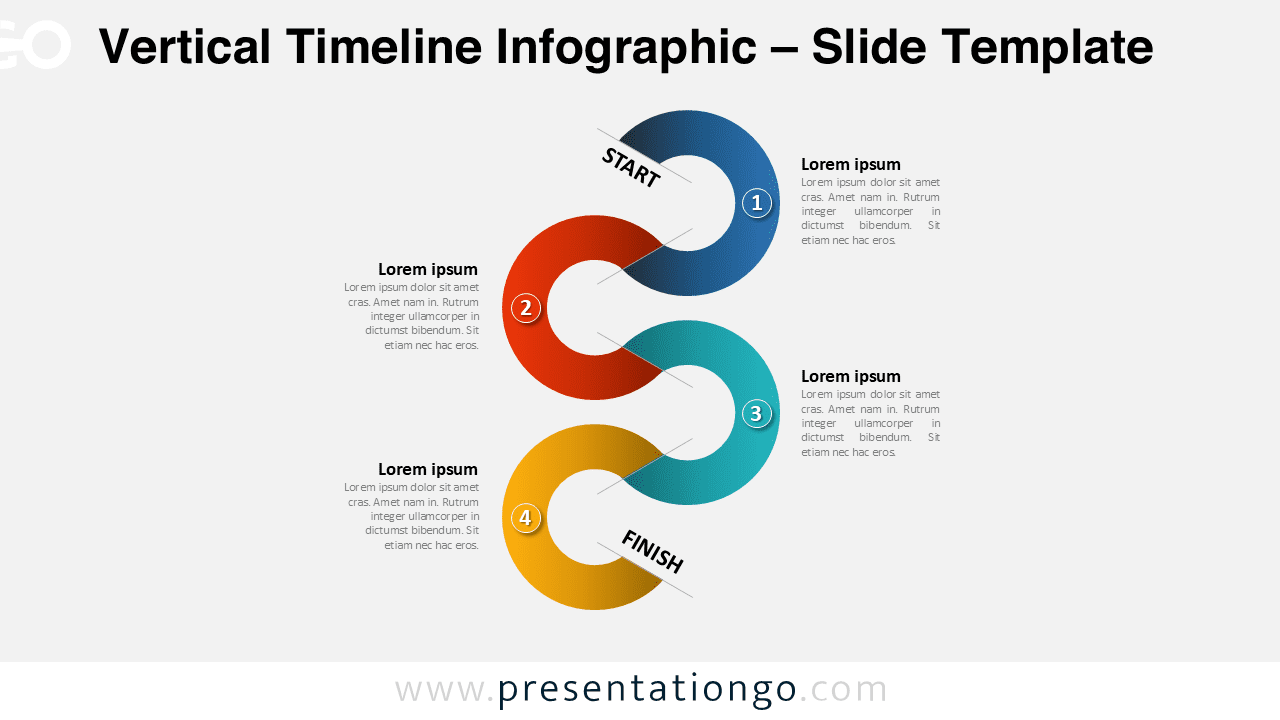
Free vertical timeline infographic for PowerPoint. PPTX fully editable diagram that illustrates a vertical sinuous timeline with 4 steps, levels, or options. Snail shape design.
Vertical Timeline Infographic
We often think time is a straight line going from left to right. Why don’t we change perspectives and show it as a curved line going downwards? This template for PowerPoint offers you indeed an original way to depict your dates and steps in a process. Indeed, this shows a serpentine line made of 4 circular shapes connecting. You can also include a number inside each snail-like shape. Besides, each one has a distinct color and offers a text placeholder on the side to describe your ideas, stages, dates, or deadlines.
This free Infographic template is ideal to illustrate the connections and conversions of a 4-step process, task, or workflow. Of course, you can also use this sinuous infographic as a simple timeline.
Shapes are 100% editable: colors and sizes can be easily changed.
Includes 1 slide option designs: Standard (4:3).
This ‘Vertical Timeline Infographic’ template features:
- 1 unique slide
- Light layout
- Ready to use template with text placeholders
- Completely editable shapes
- Standard (4:3) and Widescreen (16:9) aspect ratios
- PPTX file (PowerPoint)
Free font used:
- Calibri (System Font)




