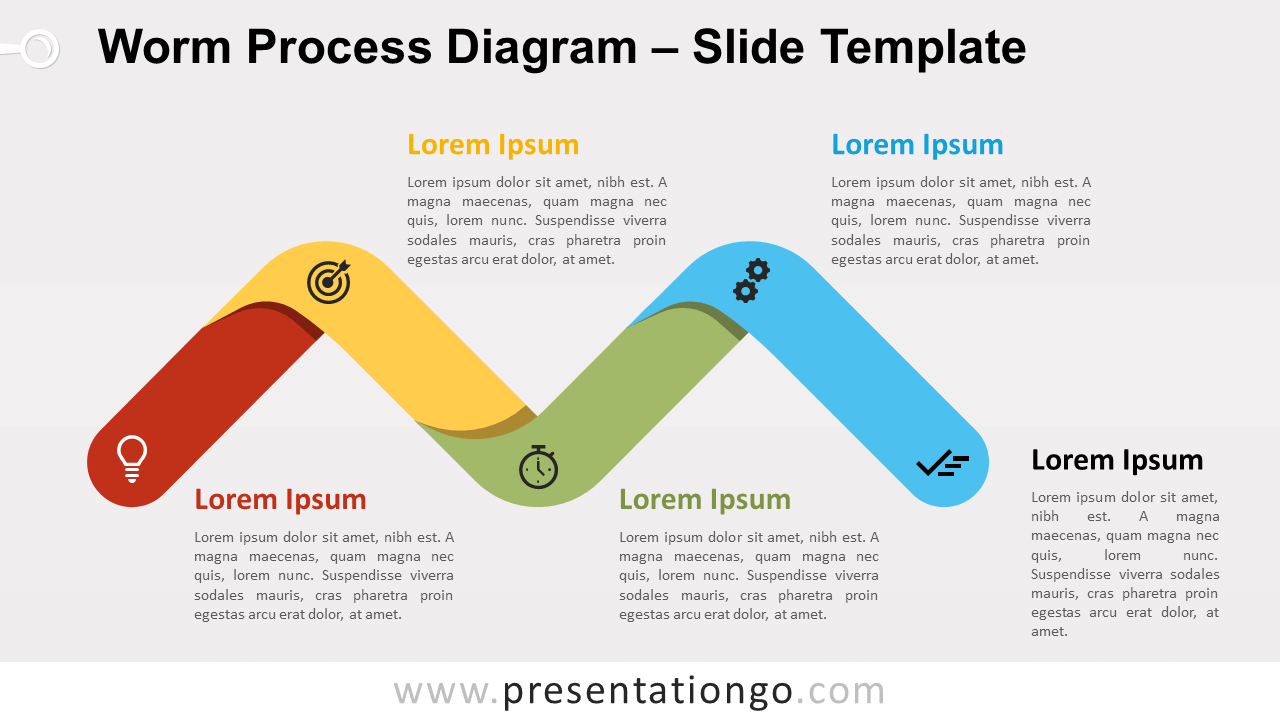
Free worm process diagram for PowerPoint and Google Slides. An M shape alternating process diagram with undulating wave motion. Editable graphics with icons text placeholders.
Worm (or Caterpillar) Process Diagram
Right after we designed this process diagram, we named it a “worm process”. But it actually looks more like a caterpillar with undulating wave motion. In fact, specialists call it a “gut-sliding” movement.
Specifically, this caterpillar-worm process diagram features an alternating flow of up to 5 steps. Also the sinuous shape, just like the letter M, emphasizes the movement effect and the interaction between the steps as well.
Finally, you can use this Worm Process Diagram to showcase groups of information or sequential steps in a task, process, or workflow.
Shapes are 100% editable: colors and sizes can be easily changed.
Includes 2 slide option designs: Standard (4:3) and Widescreen (16:9).
Widescreen (16:9) size preview:


This ‘Worm Process Diagram for PowerPoint and Google Slides’ features:
- 2 unique slides
- Light and Dark layout
- Ready to use template with icons and text placeholders
- Completely editable shapes
- Uses a selection of editable PowerPoint icons
- Standard (4:3) and Widescreen (16:9) aspect ratios
- PPTX file and for Google Slides
Free fonts used:
- Helvetica (System Font)
- Calibri (System Font)