

Free cylinder list for PowerPoint and Google Slides. Another original way to illustrate a numbered list. Editable graphics with numbers, icons, and text placeholders.
Cylinder List
Click on all cylinders and take your audience to the next level! This free Cylinder List template will indeed allow you to transmit your best ideas with impact and efficiency!
This slide offers an original way to share basic information. The 4 colorful cylinders represent your 4 options, which means your list of 4 items or ideas. First, you can give a number to each one. Then, you can write a title and a short text to display your information. Finally, you will find cylinders with a 3D effect where you can insert an icon.
This simple and eye-catching slide is ideal to display a list of 4 ideas. It can also work to share a simple process with 4 steps.
Shapes are 100% editable: colors and sizes can be easily changed.
Includes 2 slide option designs: Standard (4:3) and Widescreen (16:9).
Widescreen (16:9) size preview:
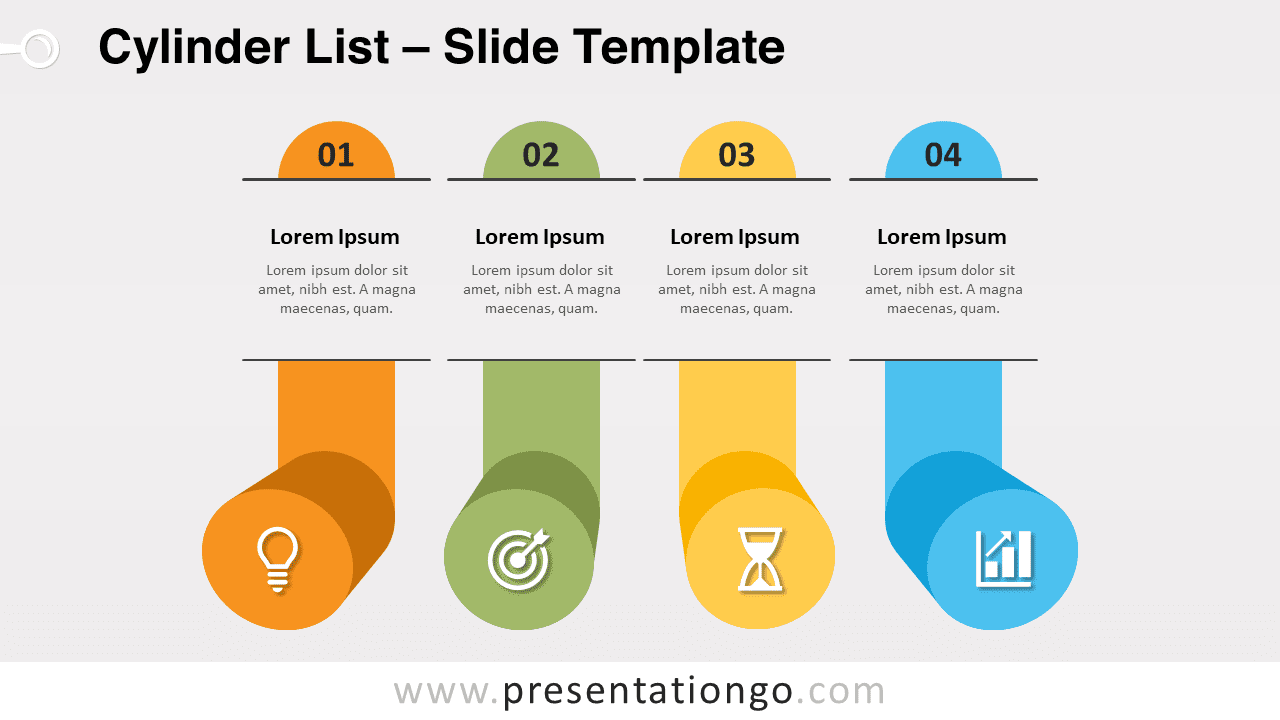
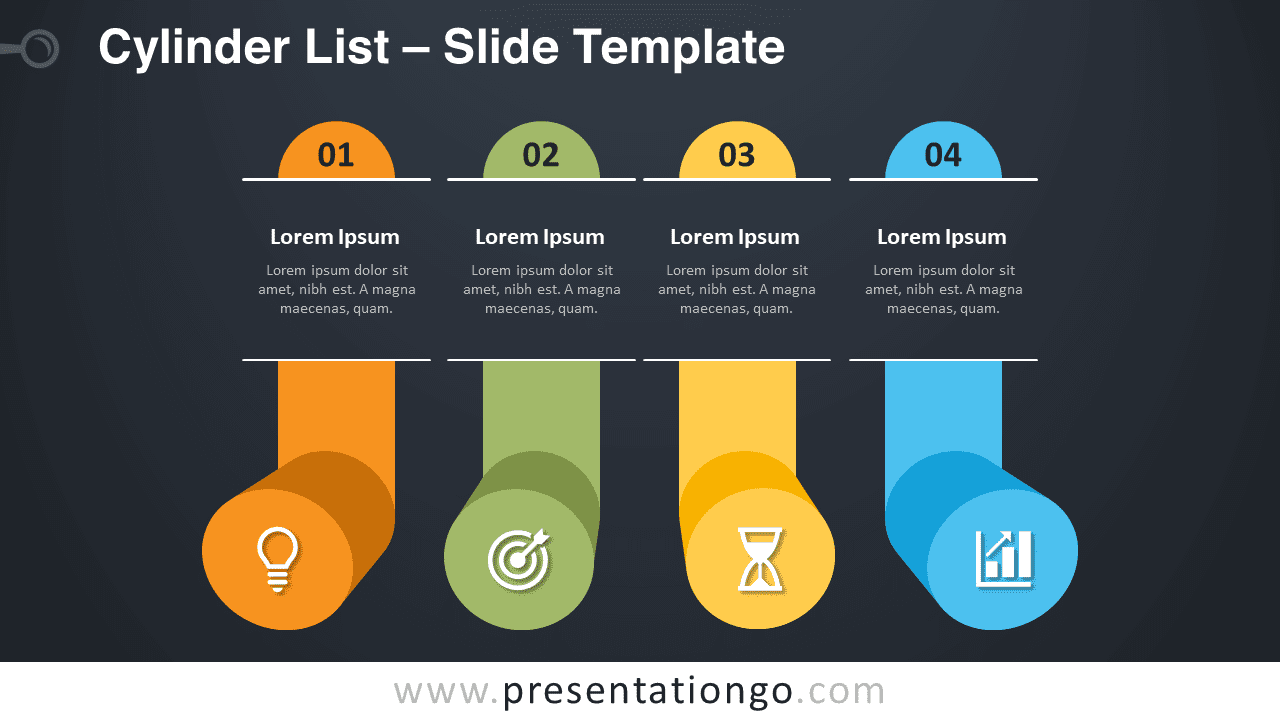


This ‘Cylinder List’ template features:
- 2 unique slides
- Light and Dark layout
- Ready to use template with numbers, icons, and text placeholders
- Completely editable shapes
- Uses a selection of editable PowerPoint icons
- Standard (4:3) and Widescreen (16:9) aspect ratios
- PPTX file (PowerPoint) and for Google Slides
Free fonts used:
- Helvetica (System Font)
- Calibri (System Font)



