
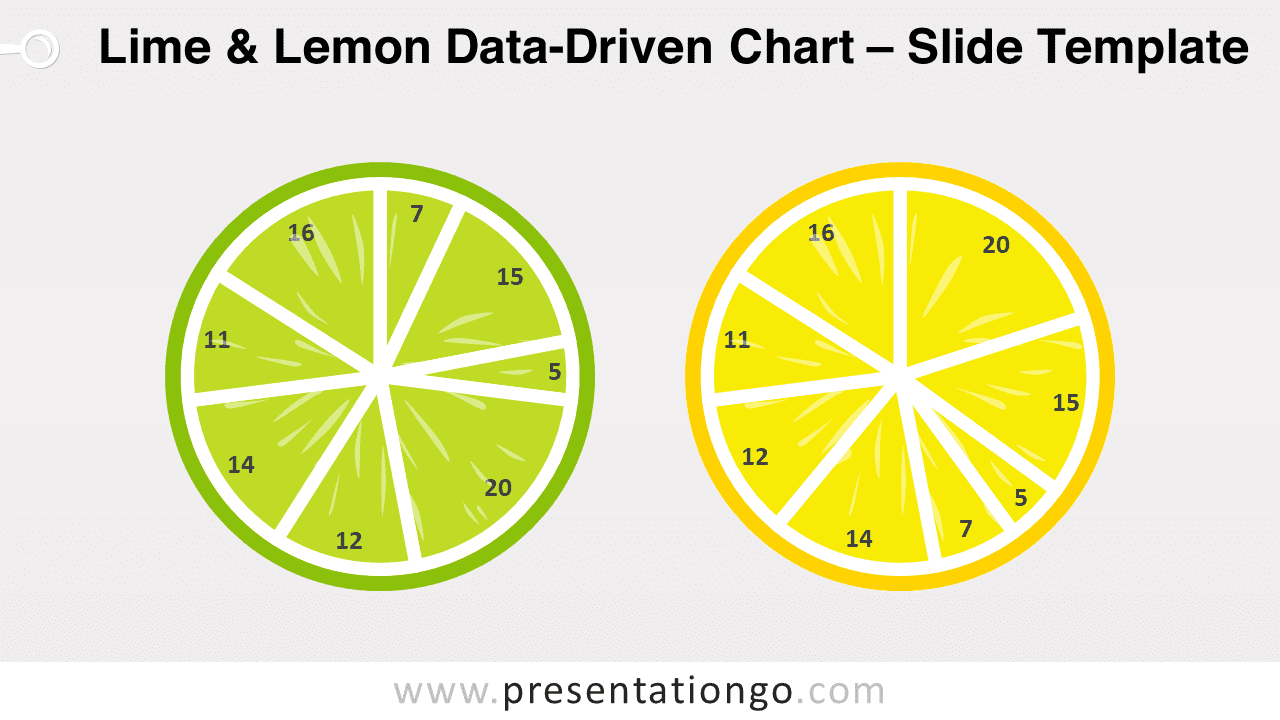
Free lime and lemon data-driven chart for PowerPoint. A fresh and creative alternative to your regular pie-charts. Editable graphics with text placeholders.
Lime and Lemon Data-Driven Chart
Why don’t you add some lemon or lime to your usual pie charts? A little change of flavor and color will surely be to your audience’s taste! So, give some zest to your presentation thanks to this free Lime and Lemon Data-Driven chart template!
This creative slide offers a cut-section view of a lime and a lemon. Also, some small irregular shapes looking like juice vesicles bring a more realistic touch to the fruits. These 2 citrus fruits form indeed 2 circles that you can use with (already built-in) pie charts. And that is the beauty of this template: you just have to insert your own data and the segments of the citrus will change accordingly. The numbers or percentages inside each segment will also come and adapt automatically.
This original data-driven chart template offers a beautiful design to showcase and compare quantitative results. This free Lime and Lemon Data-Driven chart template is ideal to offer clear and fresh data visualization!
Shapes are 100% editable: colors and sizes can be easily changed.
Usage instructions:
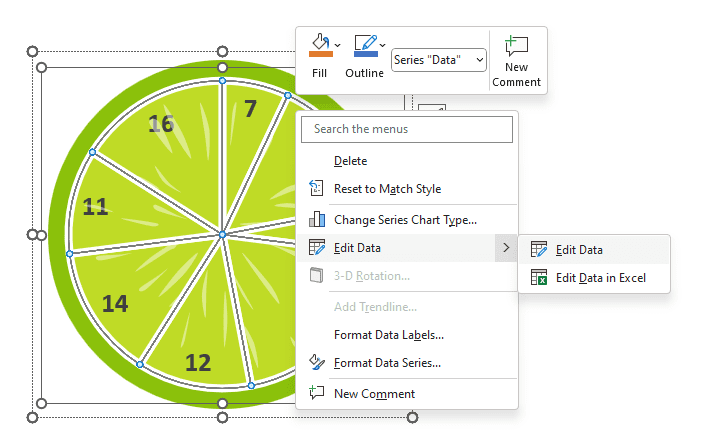
- Just right-click the chart to edit the data series, and select “Edit Data” (twice):
Includes 2 slide option designs: Standard (4:3) and Widescreen (16:9).
Widescreen (16:9) size preview:

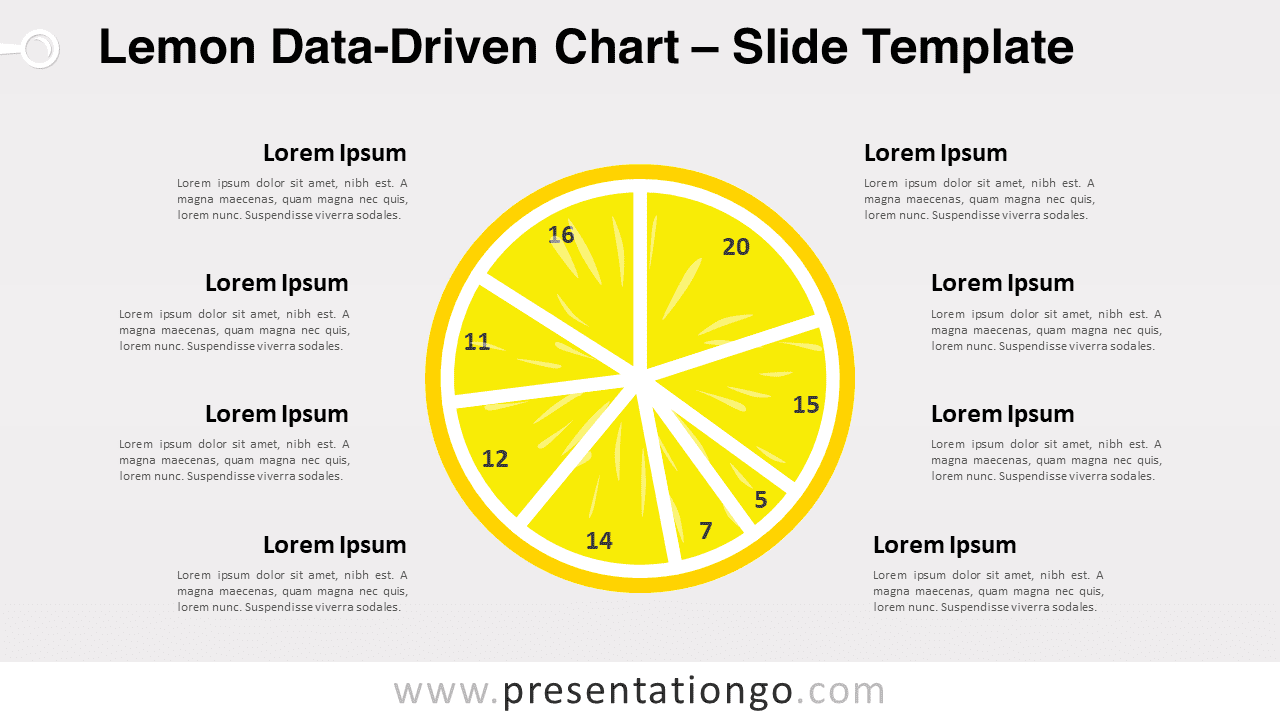
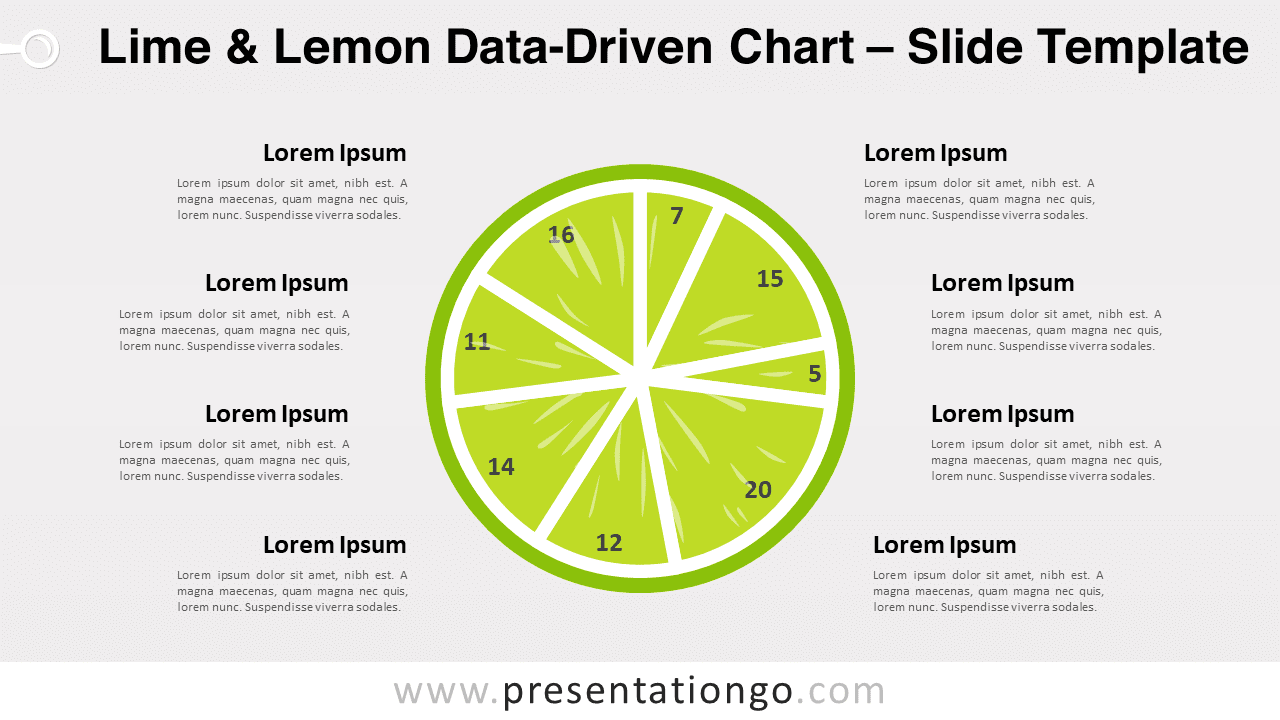


This ‘Lime and Lemon Data-Driven’ template features:
- 4 unique slides
- Light and Dark layout
- Ready to use template with data-driven pie-charts
- Completely editable shapes
- Standard (4:3) and Widescreen (16:9) aspect ratios
- PPTX file (PowerPoint)
Free fonts used:
- Helvetica (System Font)
- Calibri (System Font)



