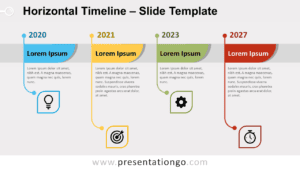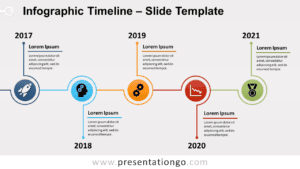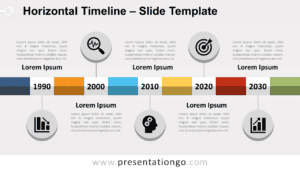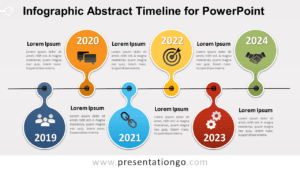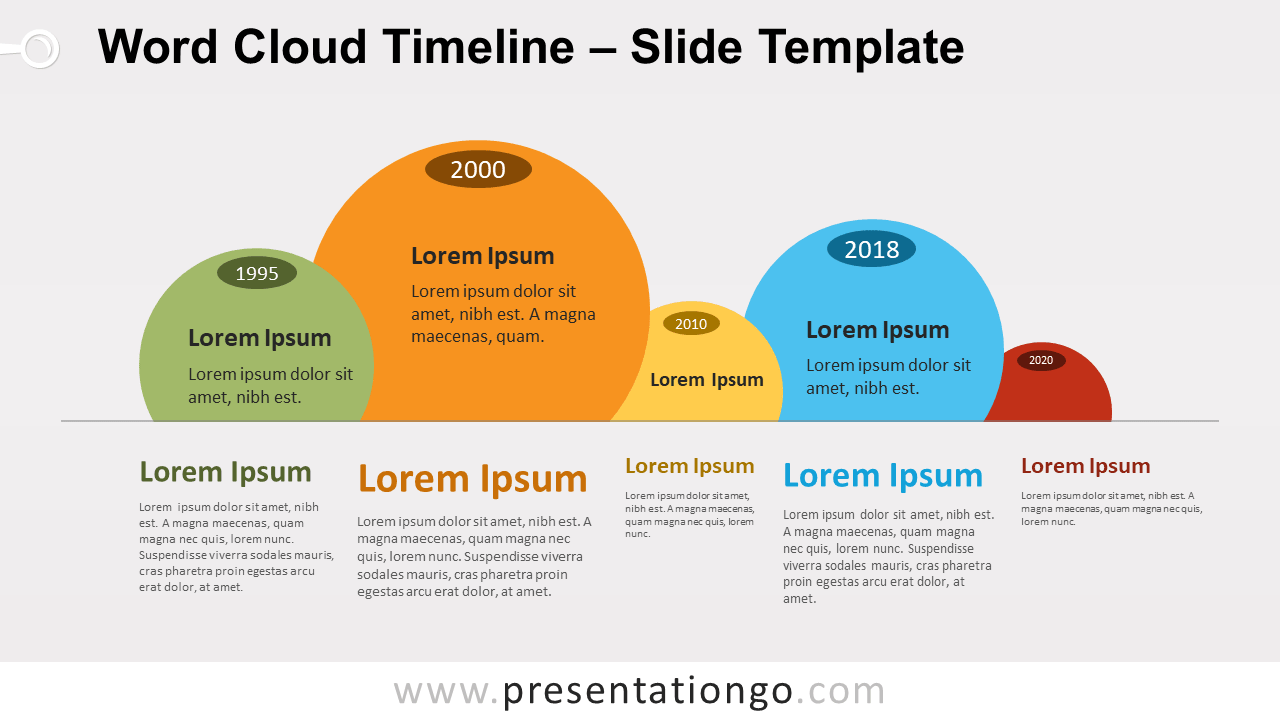
Free word cloud timeline for PowerPoint and Google Slides. A series of circle shapes aligned on a horizontal line. The size of the bubbles defines the importance of each step. Editable graphics with dates and text placeholders.
Word Cloud Timeline
It’s like a timeline diagram had a baby with a word cloud! Indeed, that word cloud timeline perfectly combines both visual graphic features.
On one hand, it is a timeline. It will be great to illustrate a progression or sequential steps in a task. Even though the movement is not obvious, it could also work as a process.
On the other hand, it is a word cloud. A word cloud (aka tag cloud) is a visual representation for text data. The size of each bubble depends on its importance.
Overall, this kind of graphic will help you show the relative prominence of different milestones (for example).
Shapes are 100% editable: colors and sizes can be easily changed.
Includes 2 slide option designs: Standard (4:3) and Widescreen (16:9).
Widescreen (16:9) size preview:


This ‘Word Cloud Timeline for PowerPoint and Google Slides’ features:
- 2 unique slides
- Light and Dark layout
- Ready to use template with dates and text placeholders
- Completely editable shapes
- Standard (4:3) and Widescreen (16:9) aspect ratios
- PPTX file and for Google Slides
Free fonts used:
- Helvetica (System Font)
- Calibri (System Font)