• Blog
Free PowerPoint & Google Slides Templates

Comparisons

18 templates

Compare features, alternatives, advantages and trade-offs side by side with free comparison slide templates. Clear columns and visuals make decisions easier.

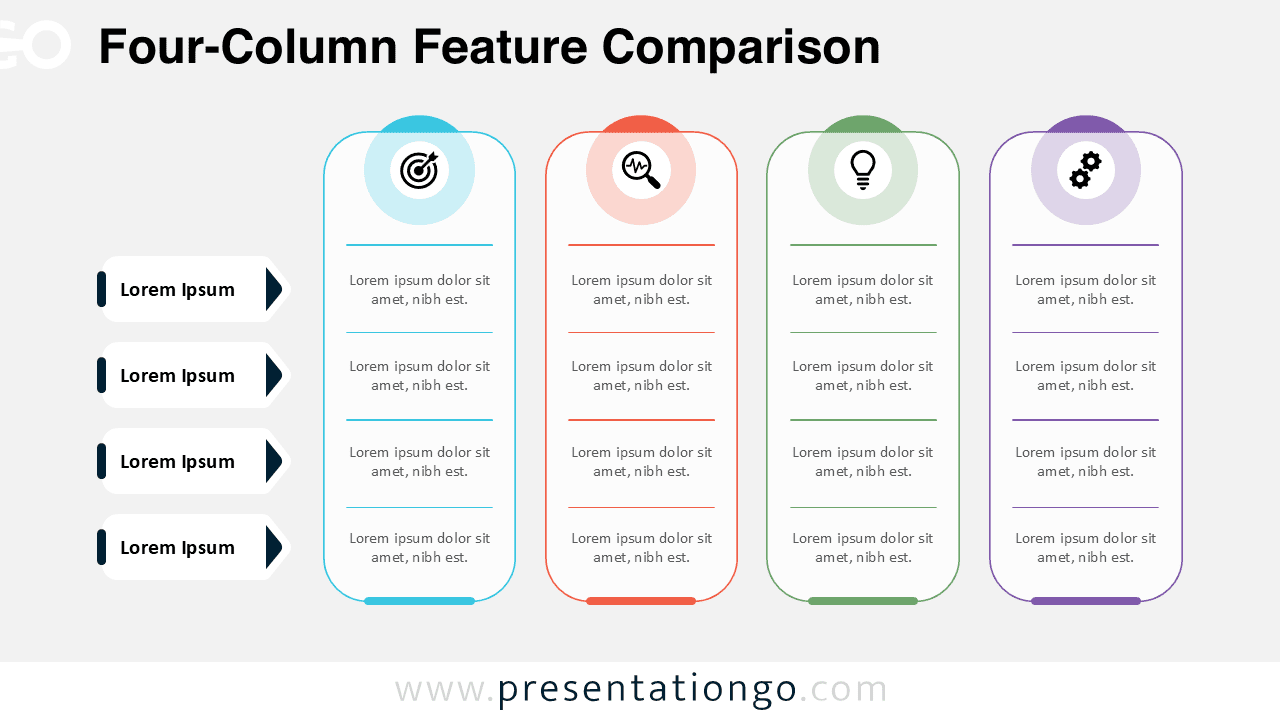
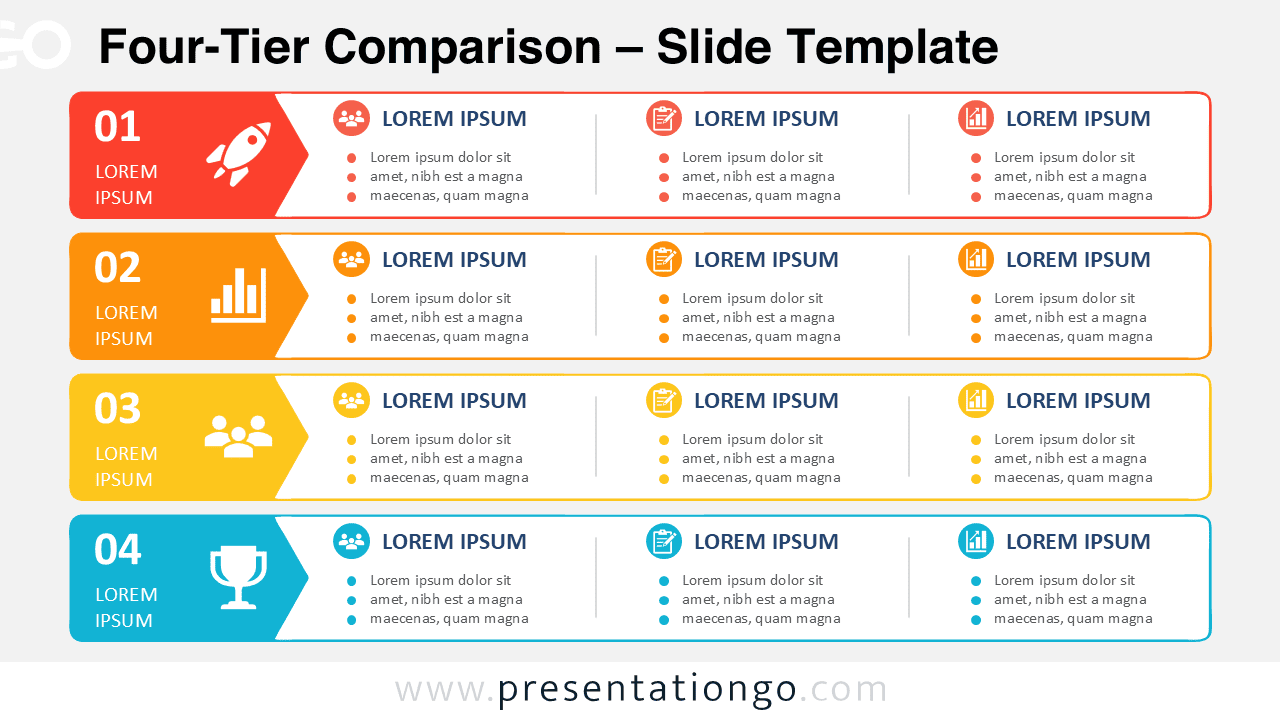
Four-Tier Comparison diagram for PowerPoint and Google Slides with four stacked rows and three editable content columns.

Four-Tier Comparison

Compare four service levels, departments, packages, or business criteria with an editable horizontal tier diagram for PowerPoint and Google Slides.

Google SlidesPPTX

16:9

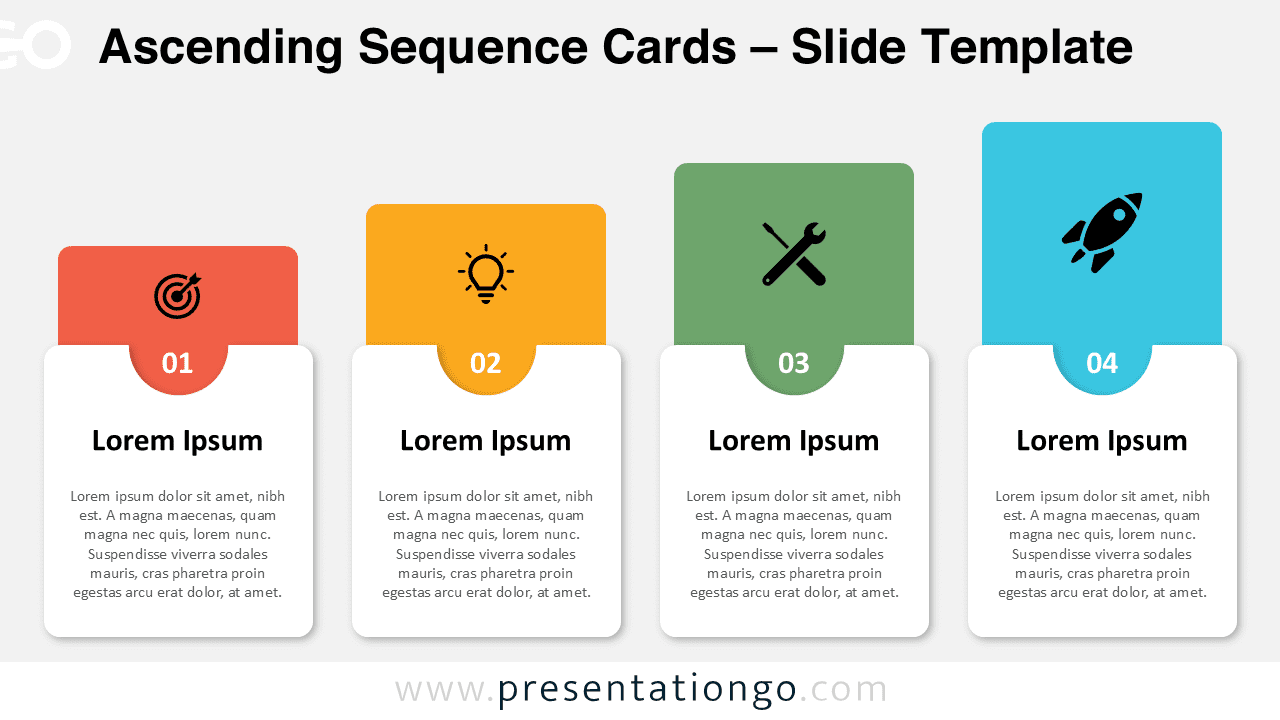
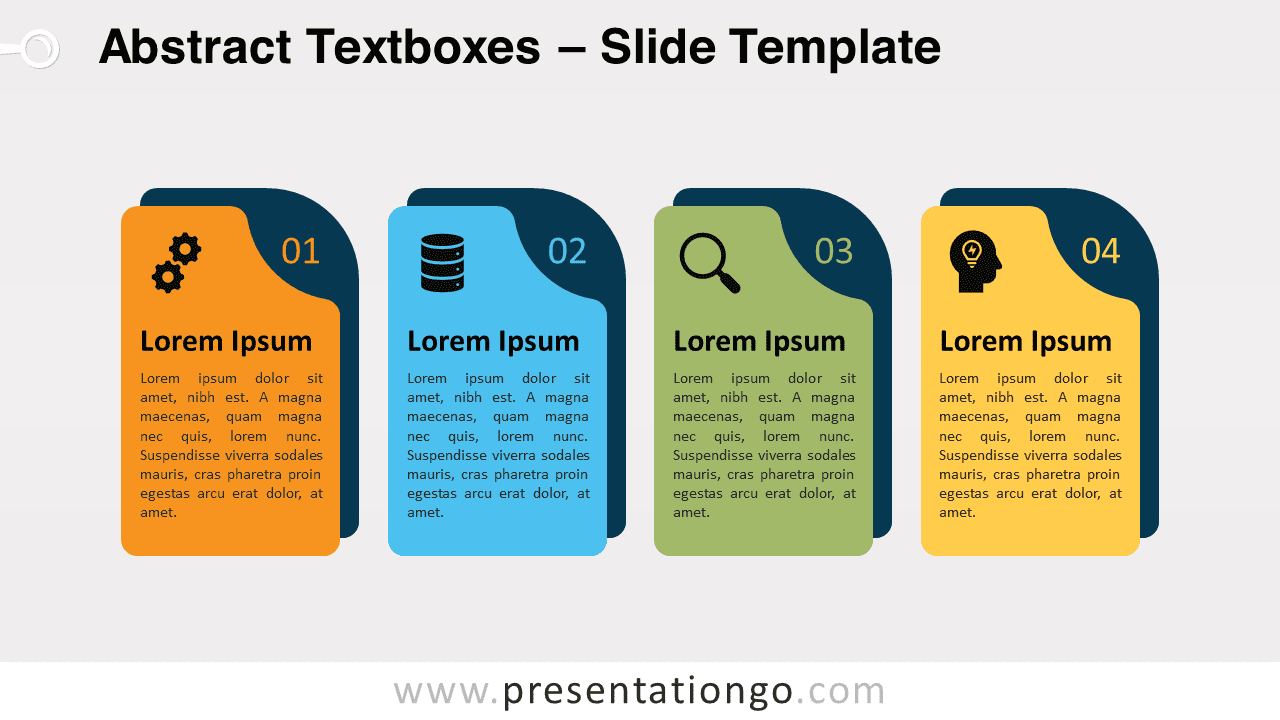
Standard Icon Tile Panels diagram for PowerPoint featuring four rounded color panels with editable icons and text areas arranged in a horizontal layout.

Icon Tile Panels

A modern four-panel layout with editable icons ideal for highlighting features, steps, or categories in PowerPoint and Google Slides.

Google SlidesPPTX

16:9

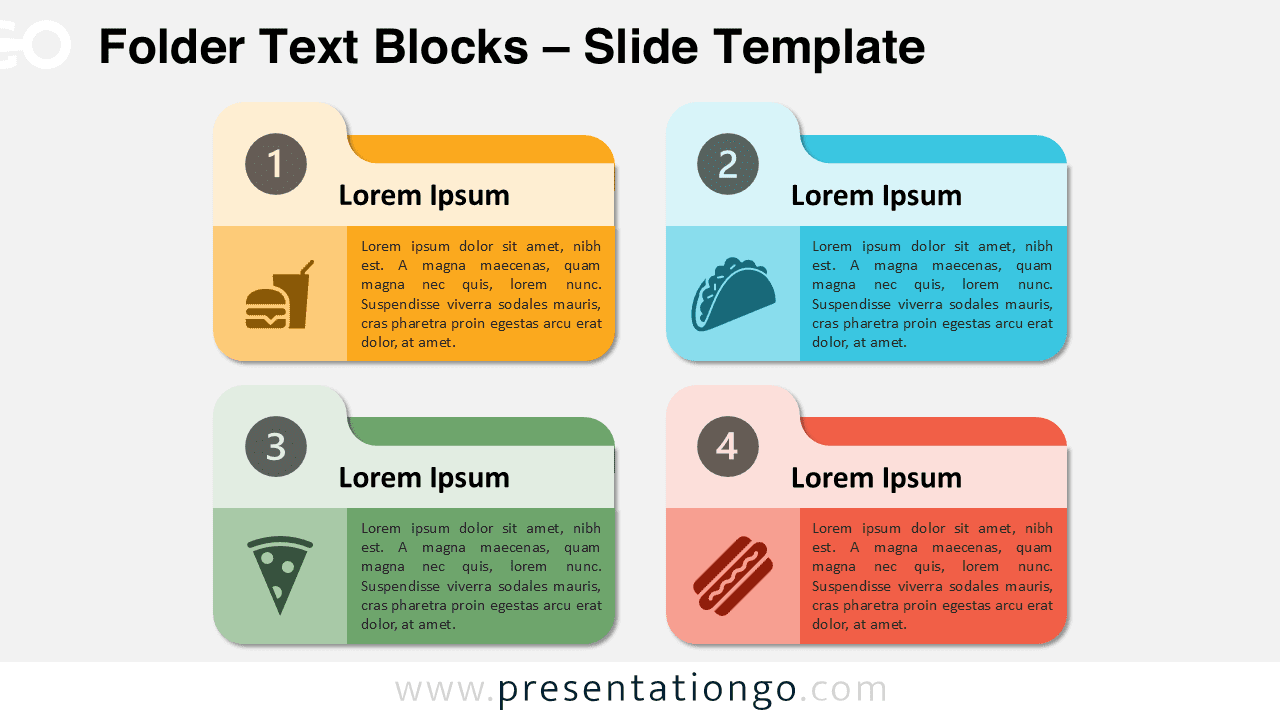
Widescreen version of the Folder Text Blocks template for PowerPoint and Google Slides with a light background, designed for step-by-step comparisons.

Folder Text Blocks

Easily compare processes, concepts, or ideas with this four-step template, perfect for creating clear, structured presentations.

Google SlidesPPTX

4:3,16:9

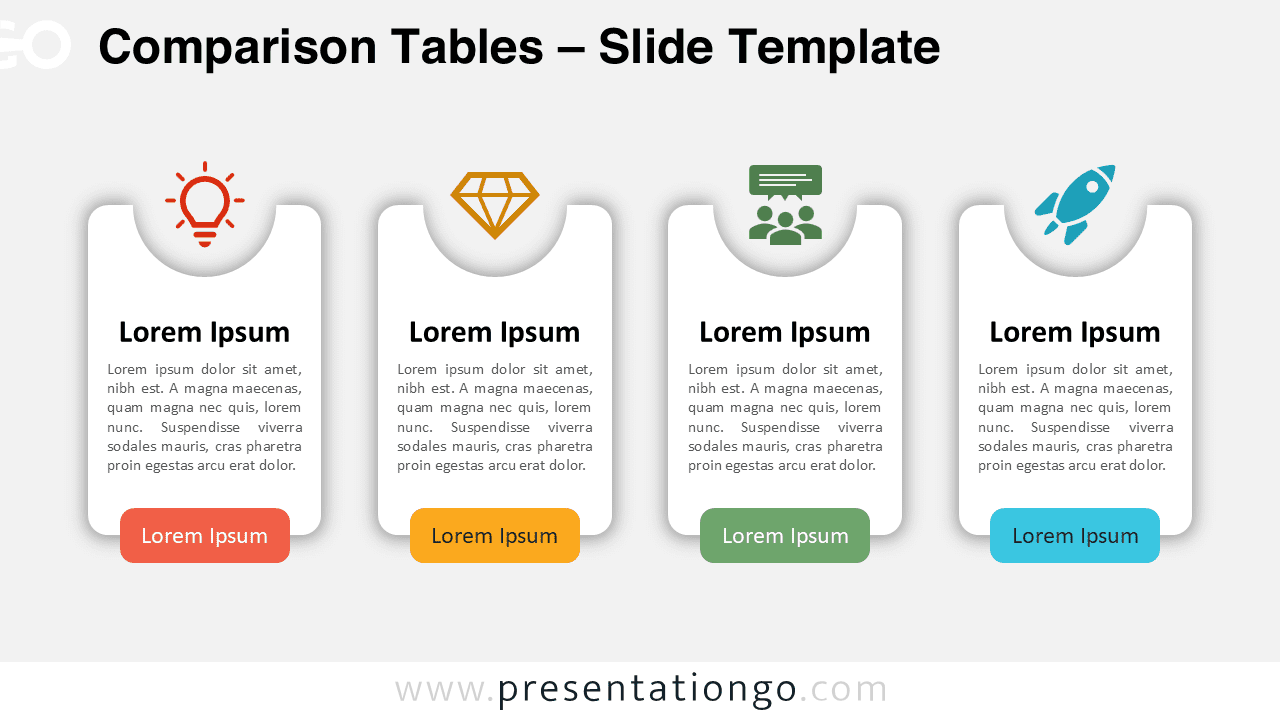
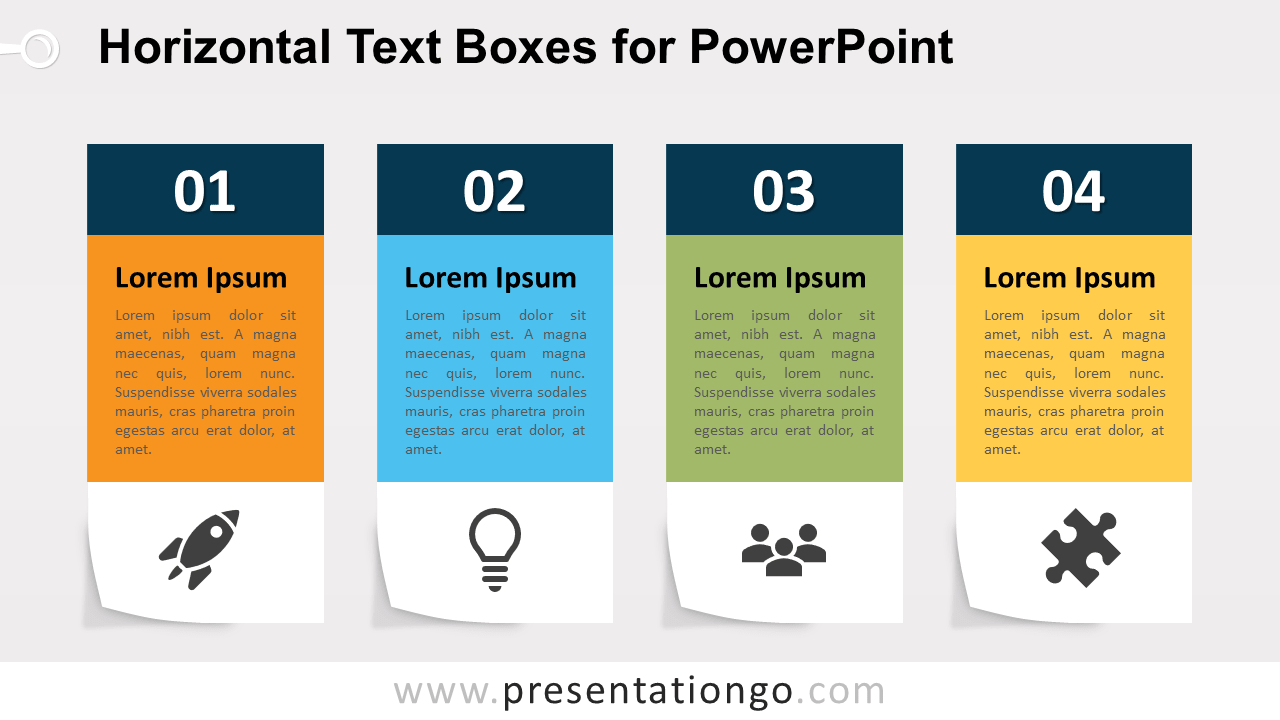
Widescreen version of the Comparison Tables template for PowerPoint and Google Slides with a light background, featuring four comparison blocks and icons.

Comparison Tables

Simplify complex comparisons in your next presentation with our versatile four-block template, featuring customizable icons and modern design elements.

Google SlidesPPTX

4:3,16:9

Showing 1–13 of 18 templates