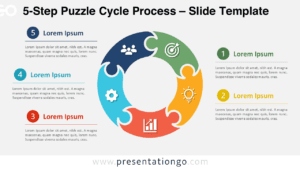
The 5-Blade Pinwheel Diagram template for PowerPoint and Google Slides, features a circular design with five distinct segments radiating from the center, each representing a key stage or element in a cyclical process.
Five-Step Cyclical Process Visualization for Showcasing Continuous Loops
Cycle process diagrams are commonly used to illustrate a series of interconnected steps or phases that form a continuous loop, making them ideal for presenting iterative workflows, project lifecycles, or any process that involves a recurring pattern of activities.
This template’s eye-catching pinwheel layout and vibrant color scheme make it an excellent choice for grabbing your audience’s attention and effectively conveying complex processes in a clear, visually appealing manner. The inclusion of customizable icons and text placeholders within each segment allows you to tailor the diagram to your specific needs, whether you’re presenting a business strategy, a product development cycle, or a training program.
By utilizing the 5-Blade Pinwheel Diagram in your presentations, you can enhance your message delivery and ensure that your audience grasps the key stages and relationships within the process you’re discussing. For instance, a marketing team could use this template to showcase the five essential phases of a successful campaign, from planning and execution to analysis and optimization, while a project manager might employ it to illustrate the iterative nature of the design thinking process.
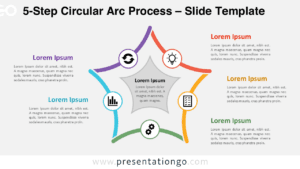
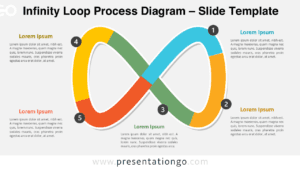
The template includes two unique slides, each pre-populated with icons, numbers, and text placeholders. With fully customizable shapes, it allows users complete control over design adjustments. It comes in both light and dark themes and is available in standard and widescreen formats for PowerPoint and Google Slides.
Elevate your presentations with the 5-Blade Pinwheel Diagram, your visual aid for depicting processes clearly and effectively.
Widescreen (16:9) size preview:


This template offers:
- 2 unique slides
- Options for both light and dark themes
- Pre-populated with icons, numbers and text placeholders
- Fully customizable shapes for complete control
- Available in both Standard (4:3) and Widescreen (16:9) ratios
- Offered in both PowerPoint PPTX and Google Slides formats
The complete Pinwheel Diagram collection: