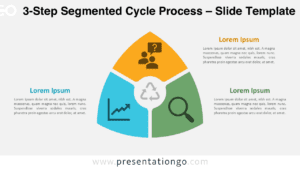
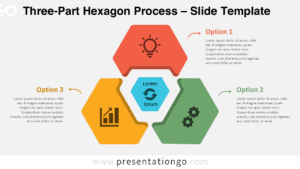
The Circular Hexagon Cycle presents a 3-step radial diagram with interconnected hexagons converging on a central core, ideal for illustrating cyclical processes or relationships in PowerPoint and Google Slides.
Visualize Ideas with a Three-Step Circular Flow Design
This template features a circular arrangement of three outer hexagons surrounding a central hexagon. Each outer shape contains distinct colors, numbers, and icons, allowing for clear representation of individual concepts. Arrows between the hexagons emphasize the cyclical nature of the diagram, showcasing the flow and interconnectedness of ideas.
Presenters can use this versatile template to illustrate various business processes, project lifecycles, or organizational structures. It’s particularly effective for demonstrating continuous improvement cycles, departmental interactions, or product development stages. The central hexagon serves as a focal point, perfect for highlighting a main objective or overarching theme.
The template includes 2 unique slides with pre-populated icons, numbers, and text placeholders. Users have full control over customization, with options for light and dark themes. It’s available in both Standard (4:3) and Widescreen (16:9) ratios, offered in PowerPoint PPTX and Google Slides formats.
Download this Circular Hexagon Cycle template to present your ideas in a three-step circular flow.
Widescreen (16:9) size preview:


This template offers:
- 2 unique slides
- Options for both light and dark themes
- Pre-populated with icons and text placeholders
- Fully customizable shapes for complete control
- Available in both Standard (4:3) and Widescreen (16:9) ratios
- Offered in both PowerPoint PPTX and Google Slides formats