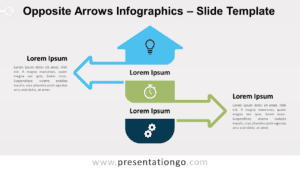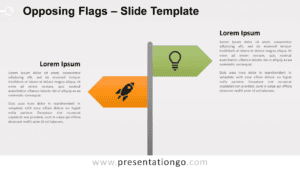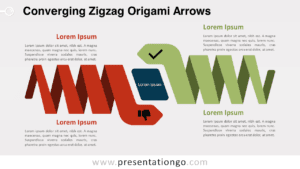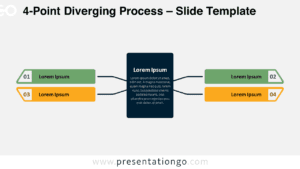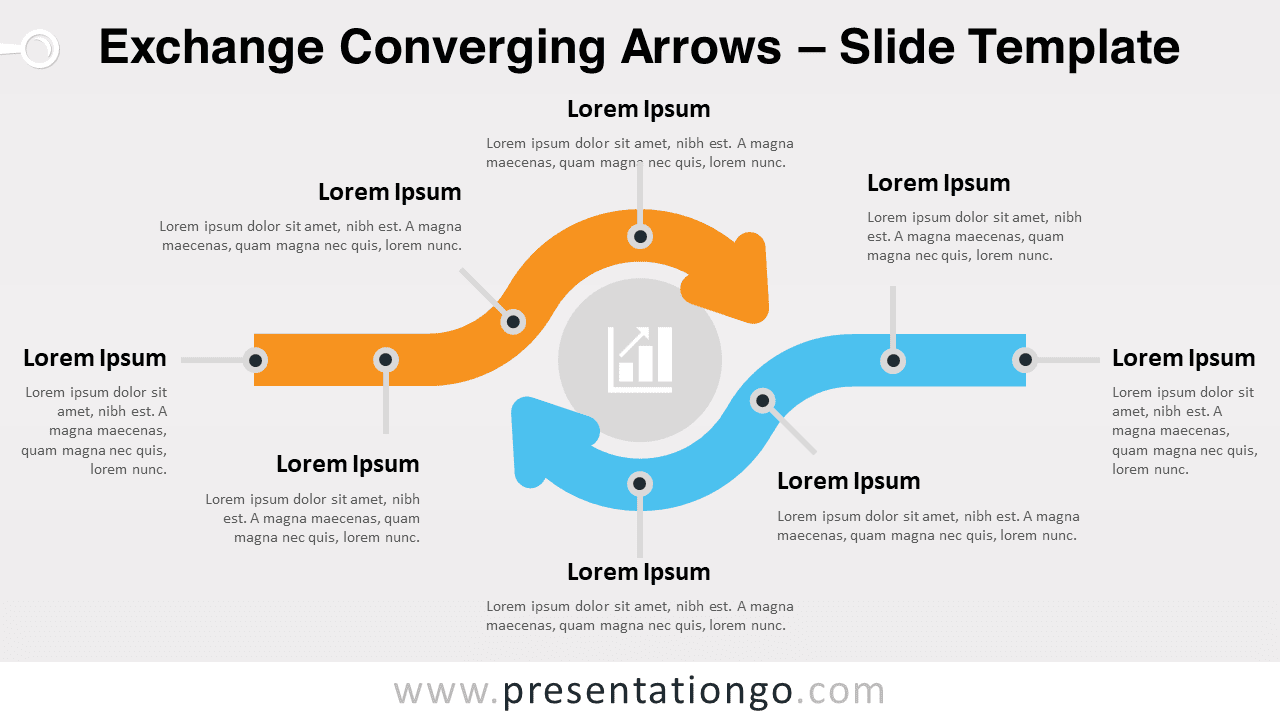
Free exchange converging arrows for PowerPoint and Google Slides. Two opposing horizontal curved arrows converging towards a central element. Editable graphics with icons and text placeholders.
Exchange Converging Arrows
It’s amazing all the ideas and concepts you can express with a simple infographic. Take this free Exchange Converging Arrows template, for instance! Two curved arrows coming from opposite directions converging towards a central circle will mean a lot to your audience.
This slide shows 2 arrows, one orange and one blue, coming from opposite directions. When they get to the center, they take a curved shape and converge towards a discreet central circle. You can include an icon inside it to illustrate your central idea. The 2 arrows represent your 2 options, that is your ideas, facts or concepts. Furthermore, you can insert 4 ideas along both arrows thanks to pins and pointers that lead to text placeholders.
You can use this free Exchange Converging Arrows template to show two ideas or processes that lead to the same outcome, but in different ways. It is great to make comparisons between 2 processes, workflows or tasks.
Shapes are 100% editable: colors and sizes can be easily changed.
Includes 2 slide option designs: Standard (4:3) and Widescreen (16:9).
Widescreen (16:9) size preview:


This ‘Exchange Converging Arrows’ template features:
- 2 unique slides
- Light and Dark layout
- Ready to use template with icons and text placeholders
- Completely editable shapes
- Uses a selection of editable PowerPoint icons
- Standard (4:3) and Widescreen (16:9) aspect ratios
- PPTX file (PowerPoint) and for Google Slides
Free fonts used:
- Helvetica (System Font)
- Calibri (System Font)