The Five-Spoke Radial Diagram presents five interconnected elements around a central hub, perfect for showcasing multi-component processes and strategic frameworks in PowerPoint and Google Slides.
Visualize Five Key Components Around a Central Concept
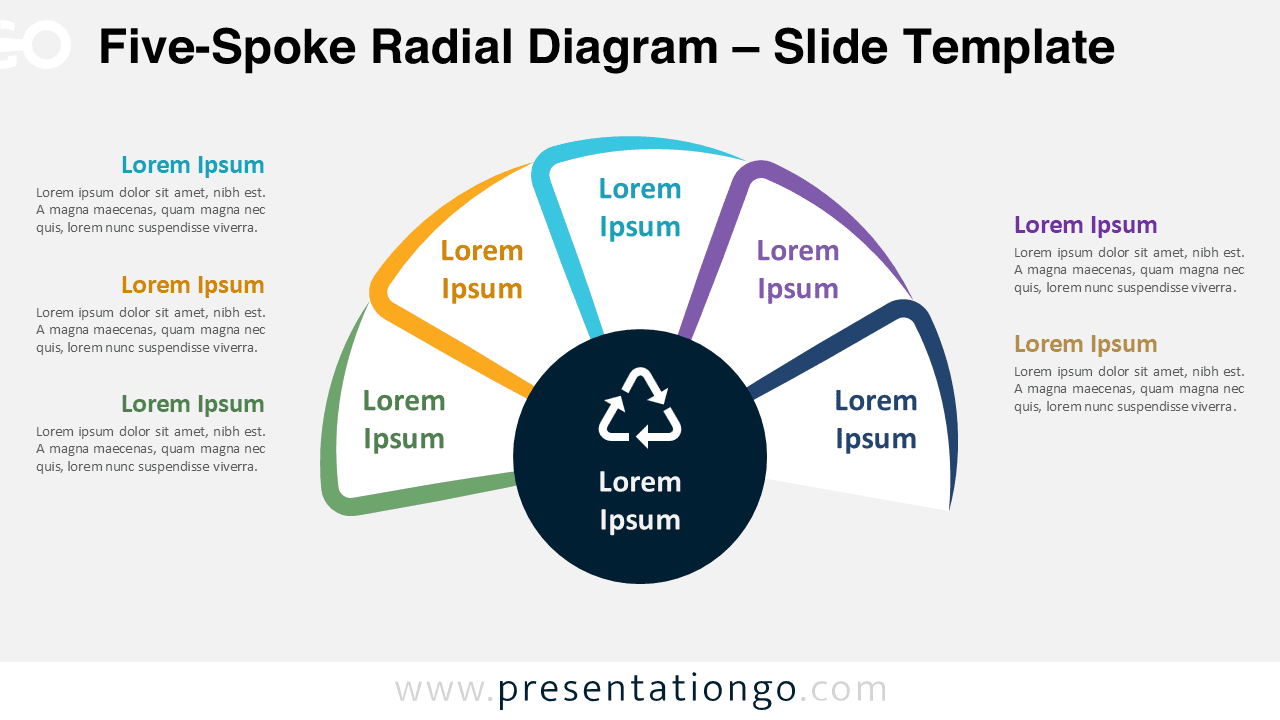
This diagram features a semicircular radial structure with five curved arms extending from a central black hub. Each arm forms a petal-like arc connecting to rectangular segments that point toward external text blocks. The design maintains symmetry with three blocks on the left and two on the right. The central circle contains an icon and placeholder title, anchoring the entire presentation. Each curved arm connects to its corresponding outer label with title and paragraph space. Equal spacing and clean segmentation create intuitive visual flow from core concept to supporting elements.
This radial diagram excels at presenting balanced frameworks where components hold equal importance while connecting to a central theme. Business strategists use it for organizational success pillars, while product managers showcase lifecycle phases. The template works well for sustainability initiatives highlighting environmental, social, economic, governance, and innovation factors. Marketing teams present customer journey touchpoints, and project managers outline key phases. The centralized hub emphasizes the core concept while surrounding elements demonstrate how each component contributes to the overall system.
This template includes two unique slides with pre-populated icons and text placeholders for immediate customization. The fully customizable shapes allow complete color and design modifications to match any brand. Both light and dark theme options accommodate different presentation environments. The template comes in Standard 4:3 and Widescreen 16:9 formats for various screen requirements. Complete compatibility with PowerPoint PPTX and Google Slides ensures seamless editing across platforms. Thoughtful spacing and professional typography maintain clarity for any audience size.
Download this Five-Spoke Radial Diagram to present your five-component processes with clarity and professional impact.
Widescreen (16:9) size preview:

This template offers:
- 2 unique slides
- Options for both light and dark themes
- Pre-populated with icon and text placeholders
- Fully customizable shapes for complete control
- Available in both Standard (4:3) and Widescreen (16:9) ratios
- Offered in both PowerPoint PPTX and Google Slides formats
The complete Spoke Radial Diagram collection: