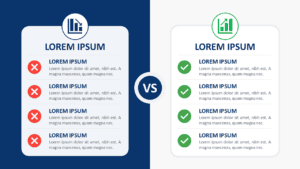
Free pros and cons for PowerPoint and Google Slides. Stunning and eye-catching presentation template to compare advantages and disadvantages. Editable graphics with text placeholders.
Pros and Cons
Do you want your audience to think you are a pro and not a con artist? Then choose this free Pros and Cons template to make your point!
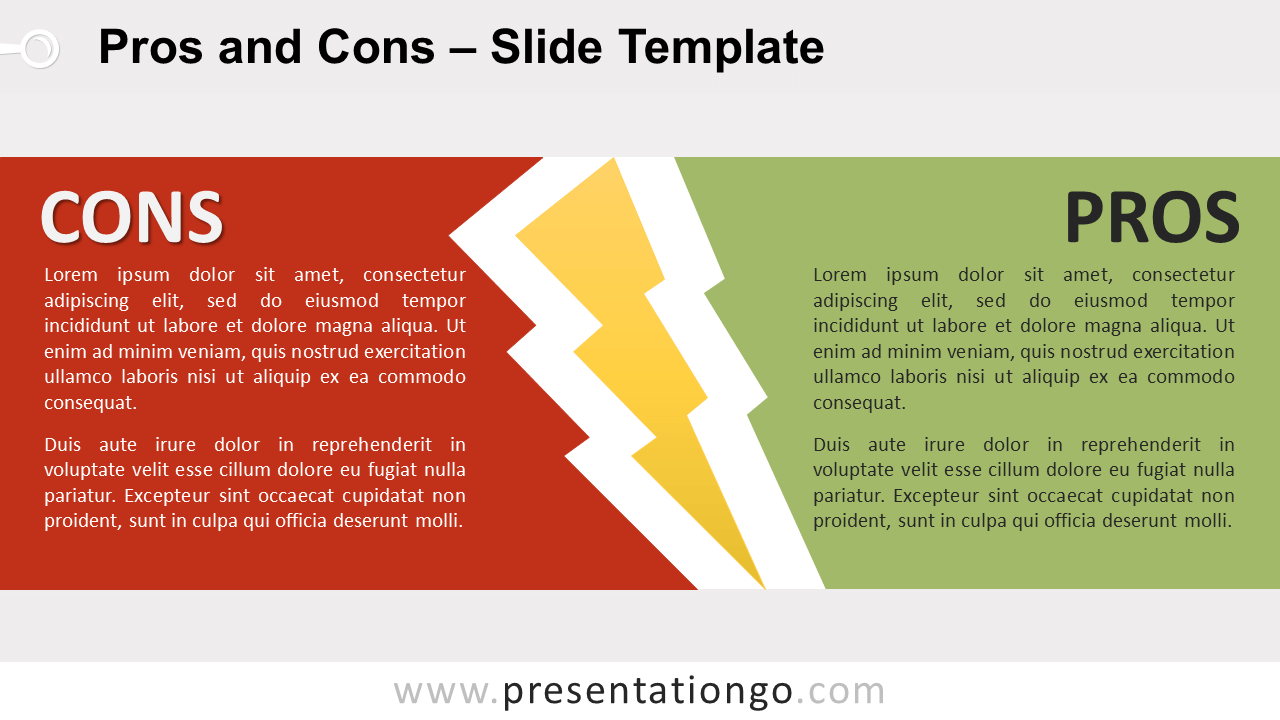
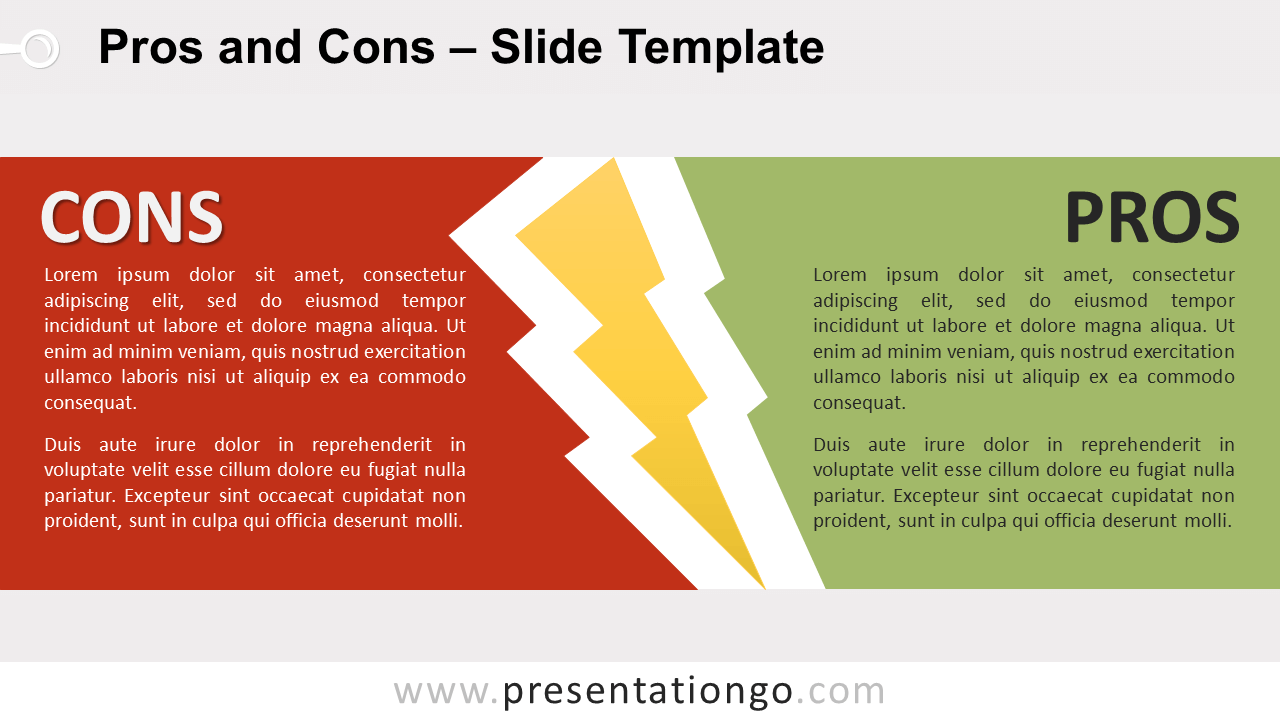
The design of this slide offers two clear-cut sides. On the left, you can indeed make the list of your cons or disadvantages over a strong red background. On the opposite side, your pros or advantages will appear over a green background. Last but not least, a thunderbolt symbol stands in the center to separate both sides.
Good versus bad, positive versus negative, pros versus cons: the eternal dichotomy! This free Pros and Cons template is ideal to present your comparisons and oppositions in an electrifying way!
Shapes are 100% editable: colors and sizes can be easily changed.
Includes 2 slide option designs: Standard (4:3) and Widescreen (16:9).
Widescreen (16:9) size preview:


This ‘Pros and Cons for PowerPoint and Google Slides’ features:
- 2 unique slides
- Light and Dark layout
- Ready to use template with text placeholders
- Completely editable shapes
- Standard (4:3) and Widescreen (16:9) aspect ratios
- PPTX file and for Google Slides
Free fonts used:
- Helvetica (System Font)
- Calibri (System Font)