Presentation Design Tips: How to Make Slides That Look Professional
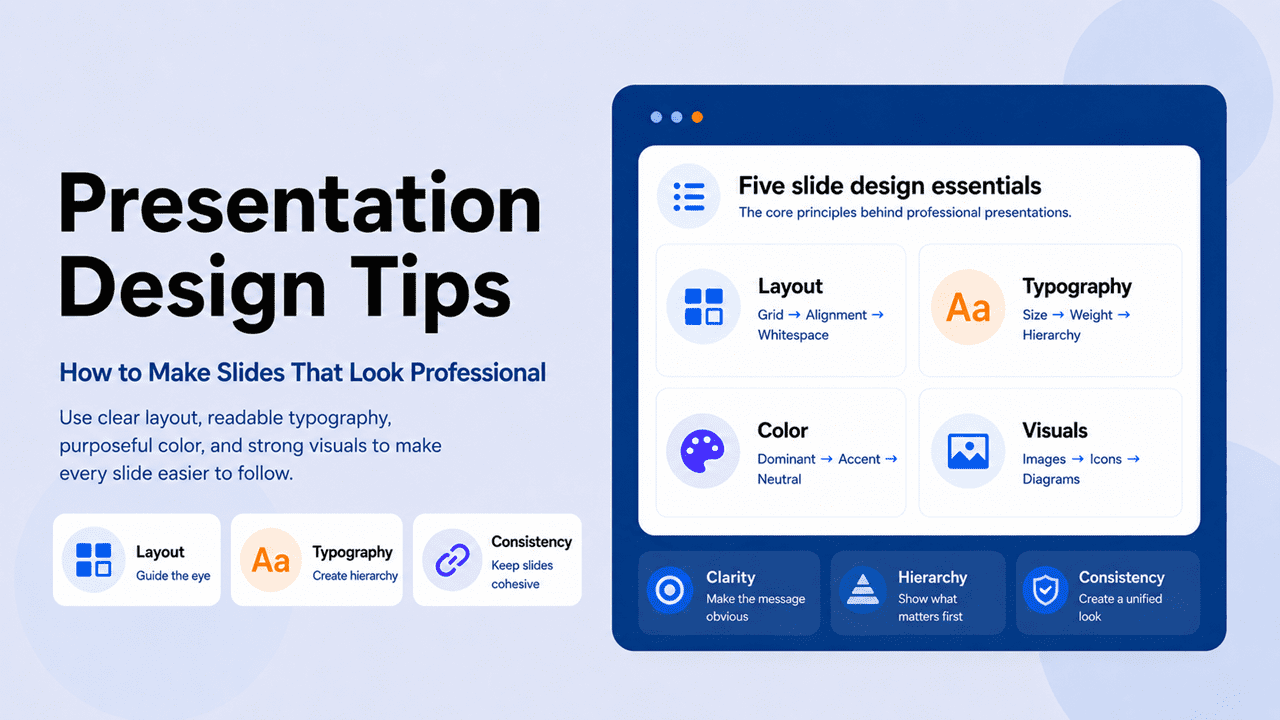
Presentation design tips that go beyond the checklist — the principles behind professional slides, applied to layout, color, typography, and visuals.
The ‘Presentation Tips’ topic is your ultimate guide for creating and delivering compelling presentations. It covers a wide range of topics, including storytelling techniques, audience engagement strategies, and tips for using visual aids effectively, ensuring you deliver your message with confidence and impact.
Presentation design tips that go beyond the checklist — the principles behind professional slides, applied to layout, color, typography, and visuals.
Color shapes first impressions before you say a word. Here are the best color combinations for presentations — and the psychology behind each one.
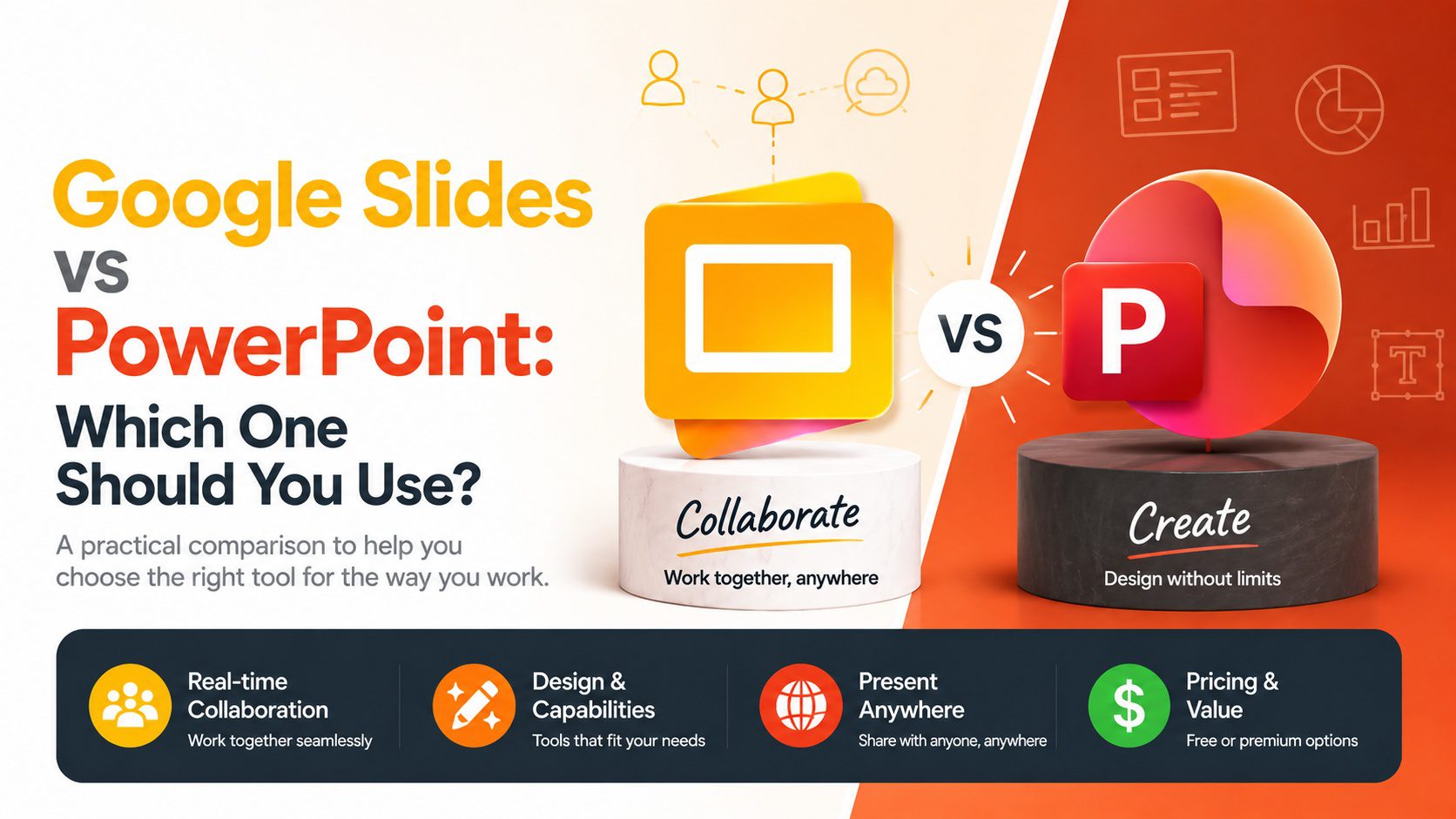
Google Slides and PowerPoint are both capable tools — but they’re built for different ways of working. Here’s how to choose between them without overthinking it.
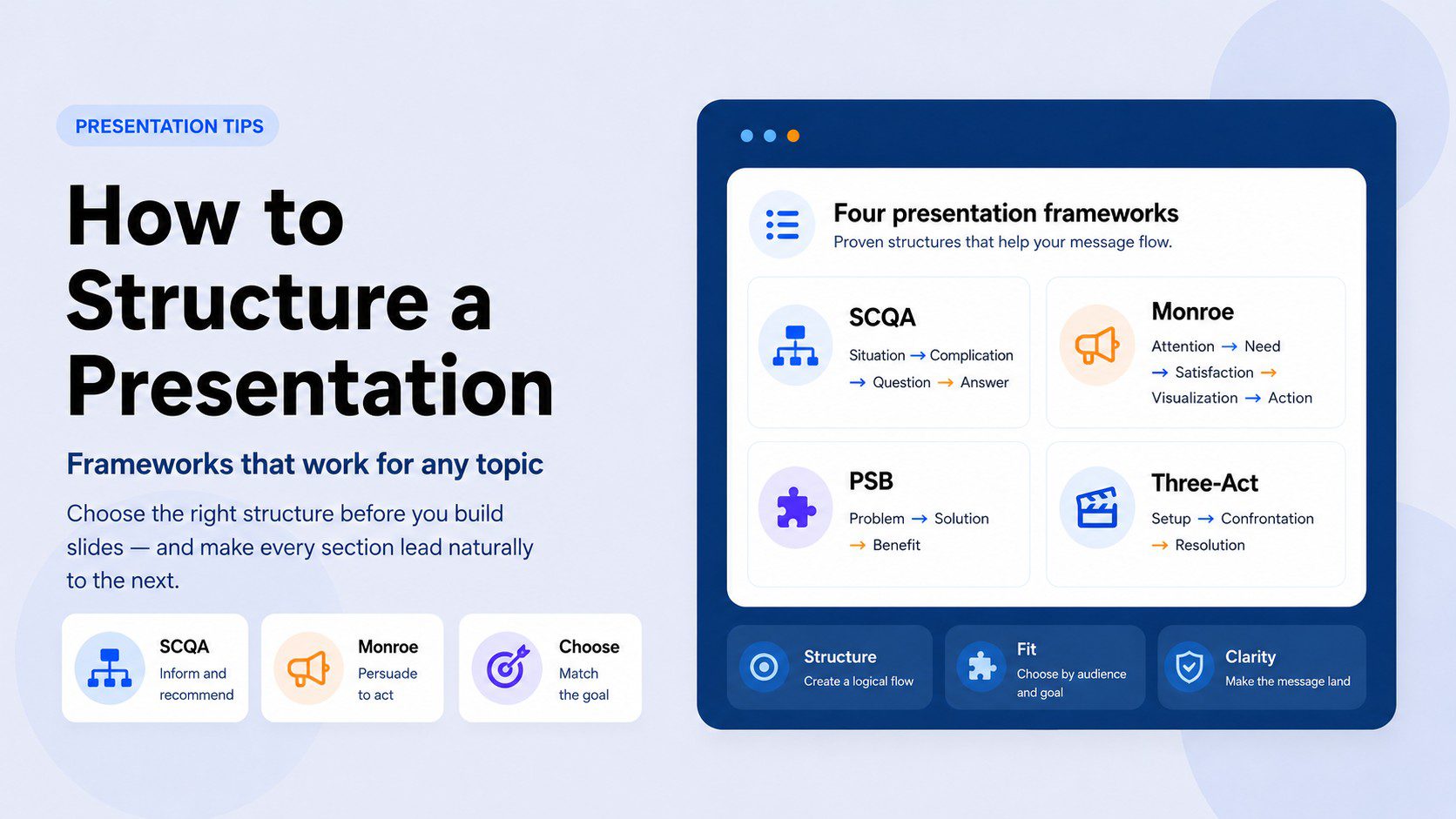
A scattered presentation loses the room fast. Here are the proven frameworks that fix structure for any topic — and how to pick the right one.
The wrong font loses the room before you speak. A practical guide to choosing and combining fonts for PowerPoint presentations.
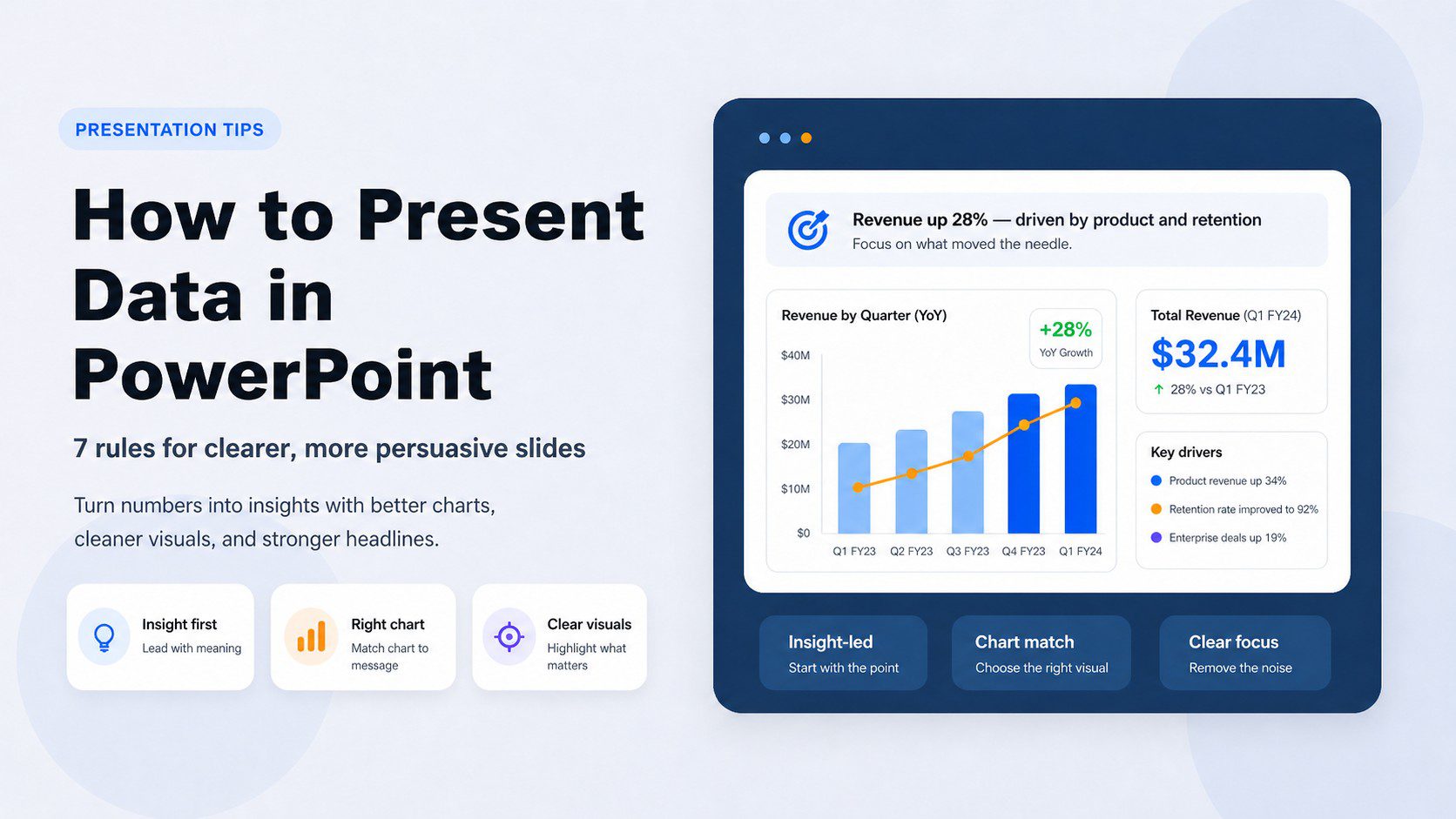
Stop showing numbers. Start showing insights. A practical guide to presenting data in PowerPoint that’s clear, visual, and hard to ignore.
These 10 practical presentation rules help you improve structure, slide design, and delivery so your message is clear, memorable, and persuasive.
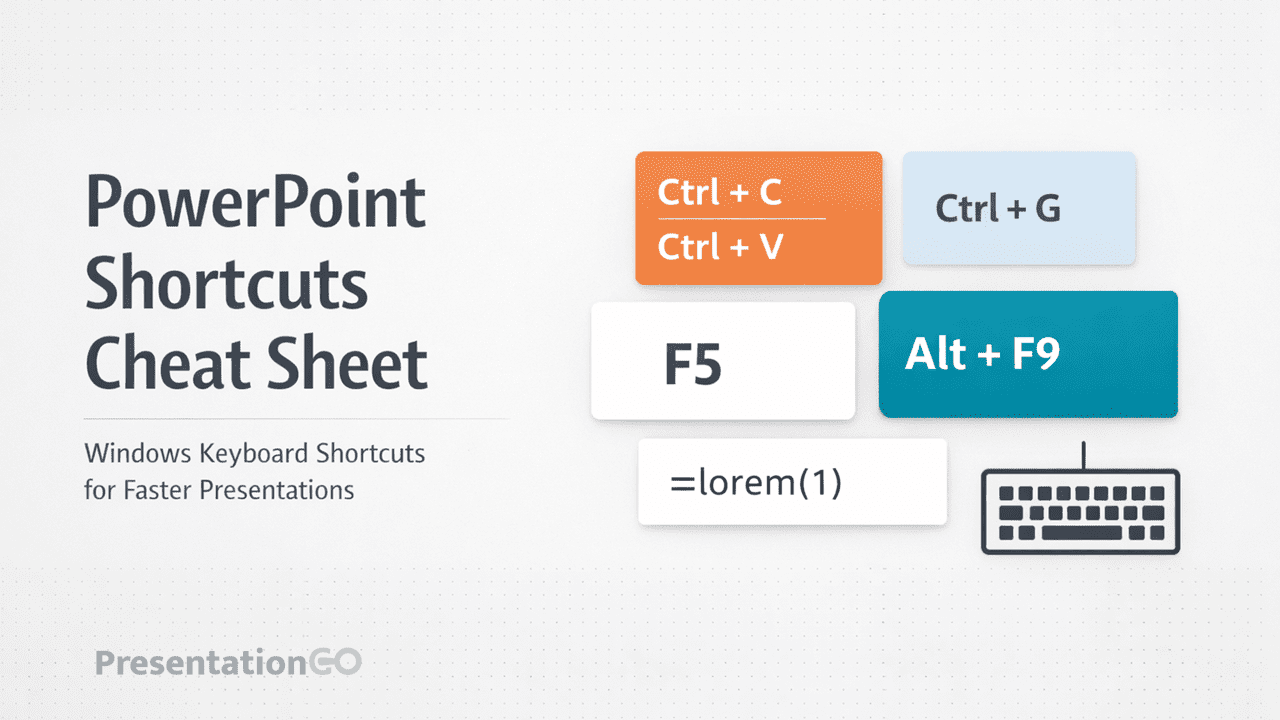
A visual PowerPoint shortcuts cheat sheet to help you design faster. Includes text, alignment, Slide Master, animation, and chart shortcuts for PowerPoint users.
Unlock the power of effective text presentation with expert tips on text quantity, font choices, slide design, and templates.
Some presentations are more important than others. The one you are going to give next week could be a game changer. You need to convince clients that your product or service is the one they need. You know that these undecided customers will make their decision during this presentation, and …
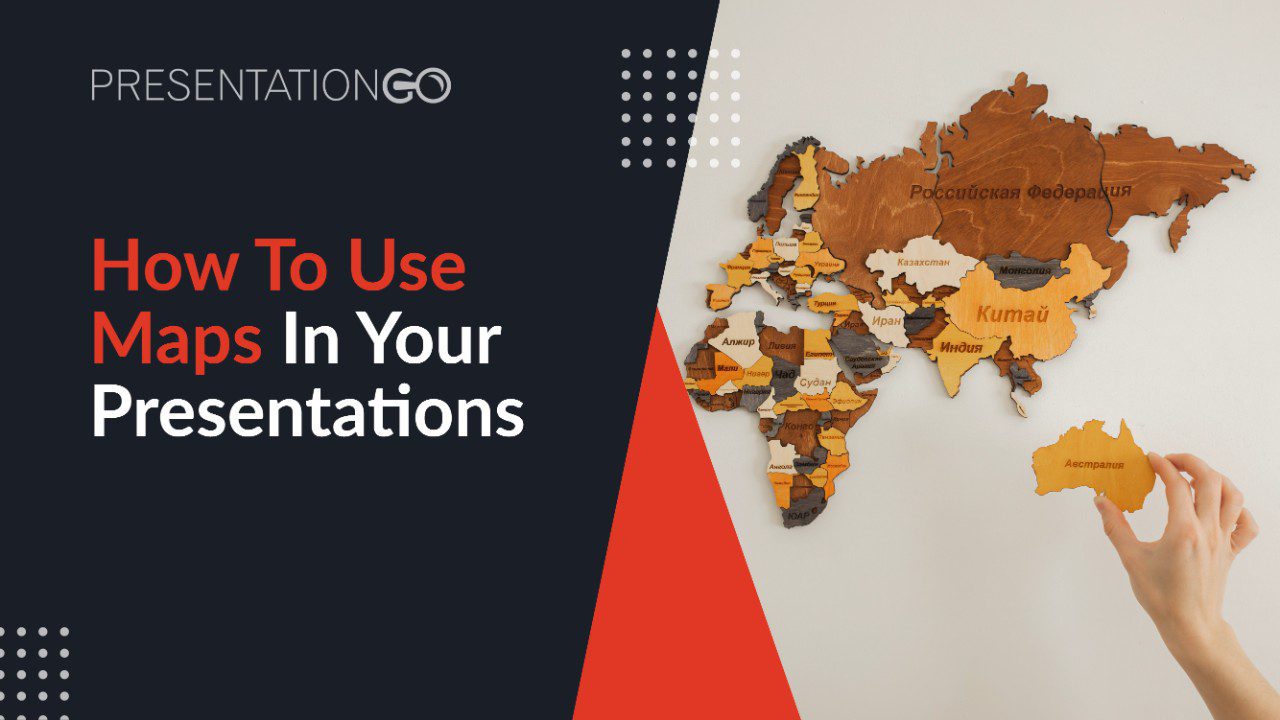
Maps make the information easier and quicker to integrate by your audience. We share our best tips on how to use maps in your presentations.
We discuss all the steps and tips that will help students understand the specificity of a high school / college presentation. Keyword: preparation!