• Blog
Free template library

Latest Presentation Templates & Infographics

Explore the newest free PowerPoint templates and Google Slides themes on PresentationGO — including diagrams, charts, and infographics. New designs added daily, with instant downloads and no sign-up required.

Olive Grove presentation template for PowerPoint and Google Slides with botanical design, soft colors, and elegant layouts.6 slides

Olive Grove Template

Elegant botanical presentation template with soft colors and modern layouts for PowerPoint and Google Slides.

Google SlidesPOTX

16:9

Easter Meadow presentation template for PowerPoint and Google Slides with cohesive spring design, pastel colors, and editable slide layouts6 slides

Easter Meadow Template

A soft and cheerful Easter-themed template with bunny visuals and pastel tones for engaging spring presentations.
Google SlidesPOTX

16:9

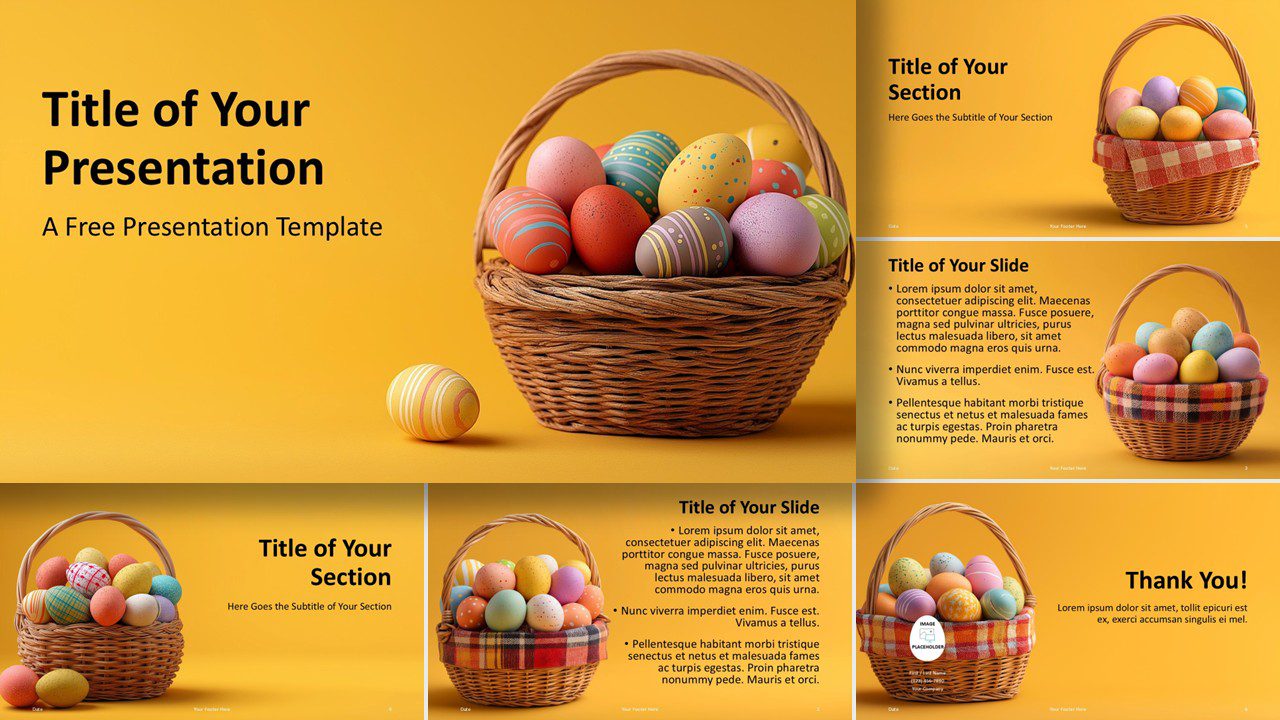
Golden Easter Eggs template for PowerPoint and Google Slides with colorful slides, festive egg visuals, and fully editable layouts.6 slides

Easter Basket Delight Template

A cheerful Easter-themed template with bright colors and festive visuals for engaging presentations.
Google SlidesPOTX

16:9

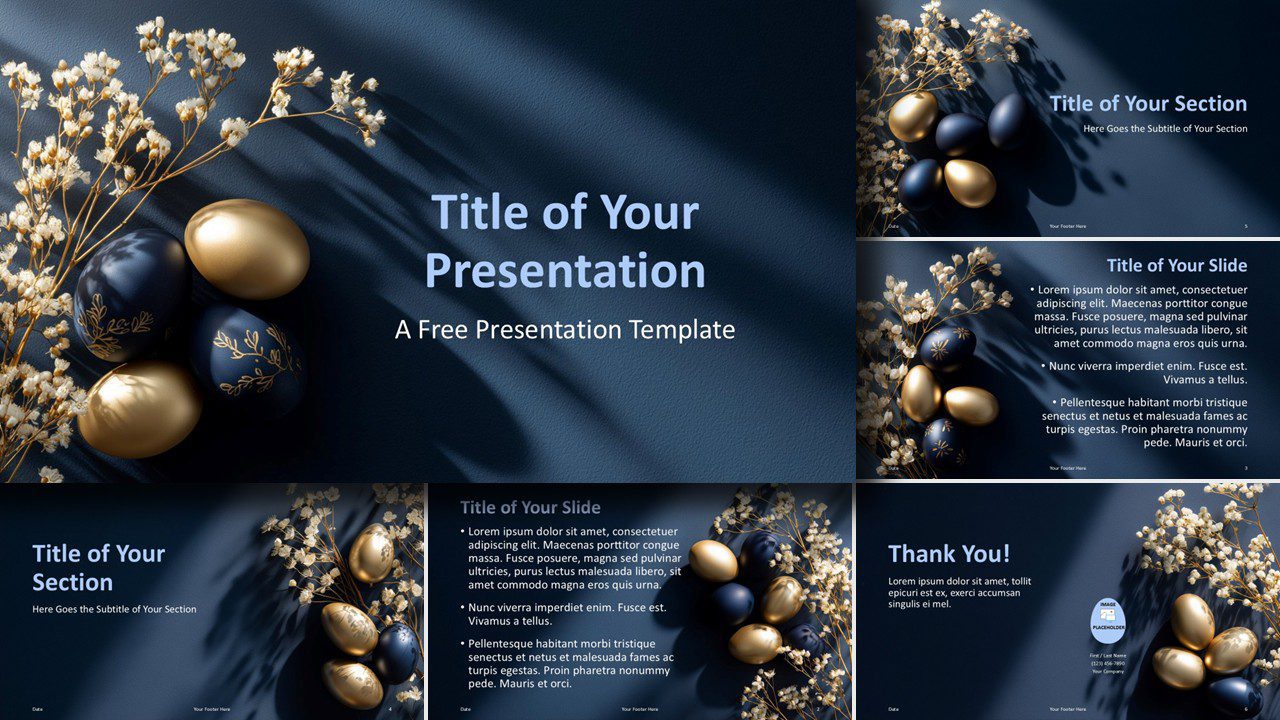
Midnight Easter luxury template for PowerPoint and Google Slides with elegant navy and gold slides, floral elements, and cohesive layouts6 slides

Midnight Easter Luxury Template

Elegant Easter template with navy and gold tones. Perfect for premium seasonal presentations.
Google SlidesPOTX

16:9

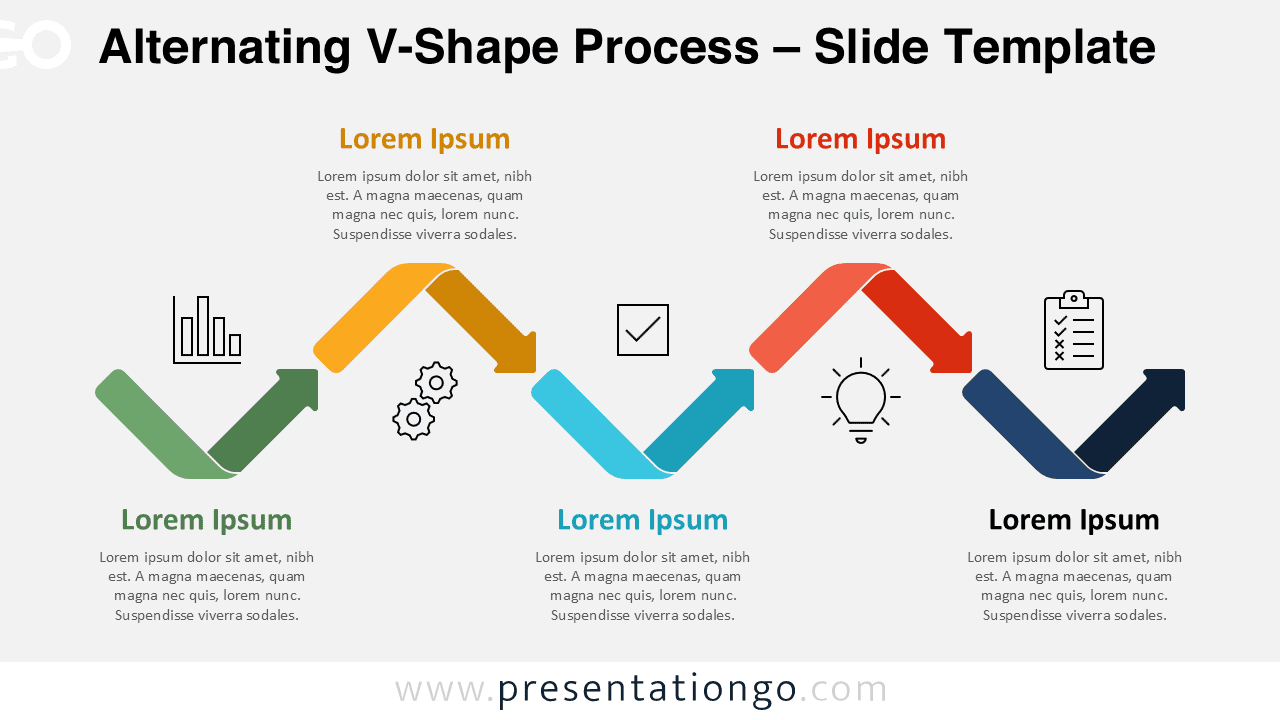
Alternating V-Shape Process diagram for PowerPoint and Google Slides showing a six-step workflow with zigzag arrows and icons.

Alternating V-Shape Process

Visualize workflows, steps, processes, and strategies with this alternating V-shape process diagram for PowerPoint and Google Slides.
Google SlidesPPTX

16:9

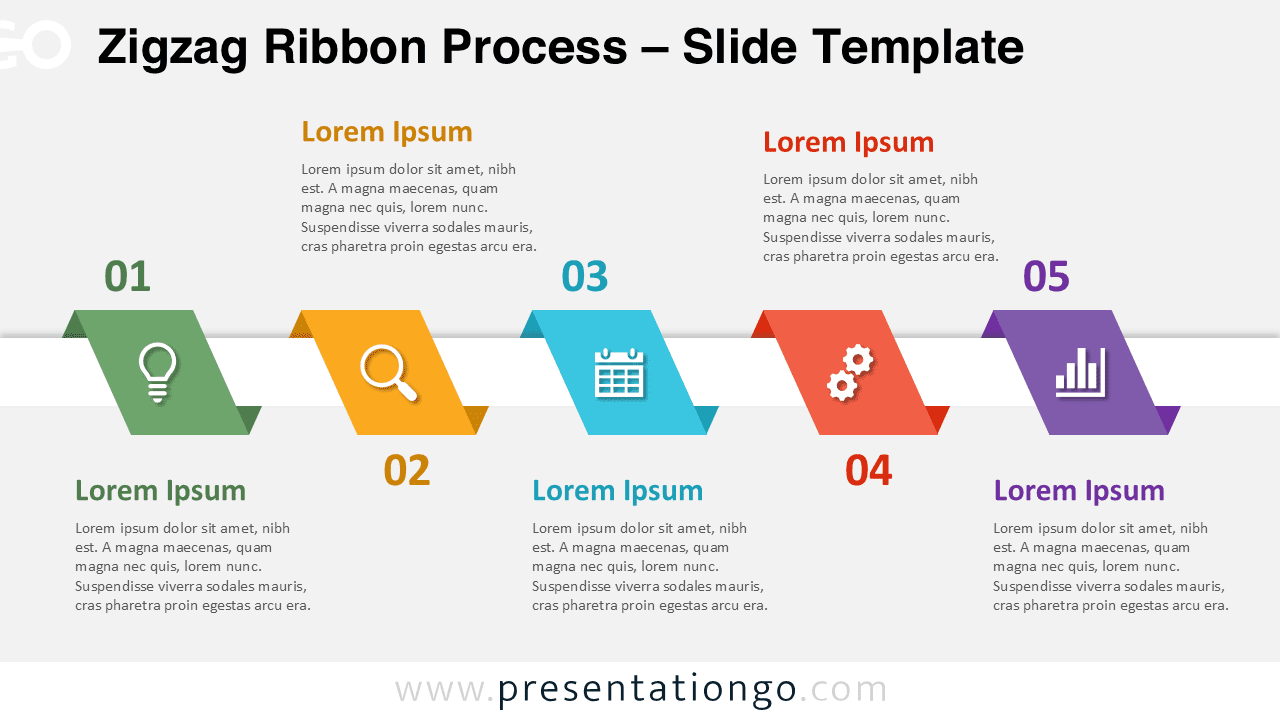
Zigzag Ribbon Process diagram for PowerPoint and Google Slides showing a 5-step workflow with colorful segments and editable icons.

Zigzag Ribbon Process

Showcase workflows clearly using this colorful zigzag ribbon diagram with editable steps and icons.
Google SlidesPPTX

16:9

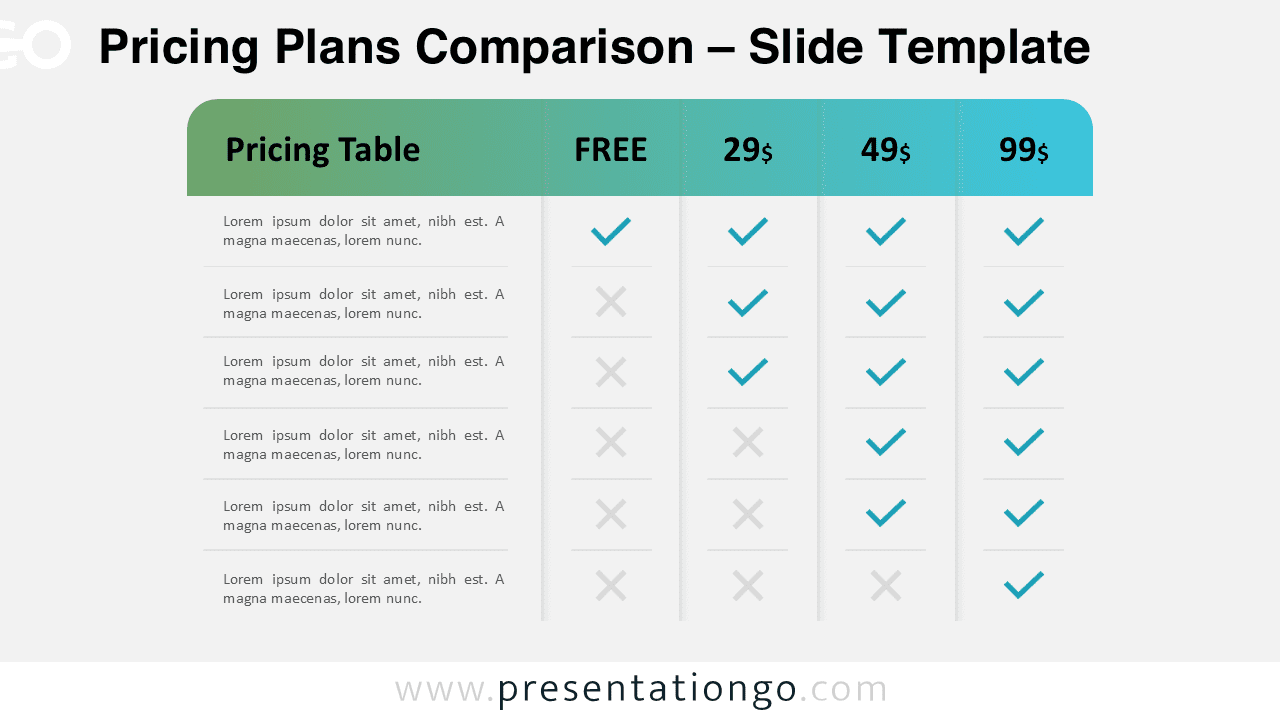
Pricing plans comparison diagram for PowerPoint and Google Slides showing tiered pricing table with checkmarks and feature comparison layout.

Pricing Plans Comparison

Visualize pricing tiers with a clean comparison diagram using checkmarks and crosses for clear decision-making.

Google SlidesPPTX

16:9

Americas dotted map infographic for PowerPoint and Google Slides showing a modern dot-based country map with percentage markers and editable presentation elements.

Americas Dotted Map Infographic

Highlight data across North and South America using this modern dotted map infographic designed for PowerPoint and Google Slides presentations.

Google SlidesPPTX

16:9

Saudi Arabia dotted map infographic for PowerPoint and Google Slides showing a modern dot-based country map with percentage markers and editable presentation elements.

Saudi Arabia Dotted Map Infographic

Use this Saudi Arabia dotted map infographic to highlight data, locations, and regional insights in PowerPoint and Google Slides presentations.

Google SlidesPPTX

16:9

Switzerland dotted map infographic for PowerPoint and Google Slides showing a modern dot-based country map with percentage markers and editable presentation elements.

Switzerland Dotted Map Infographic

Showcase Swiss regional insights using this modern dotted map infographic with customizable data markers.

Google SlidesPPTX

16:9

10-point dual hub comparison diagram for PowerPoint and Google Slides with two connected circles and ten radial elements with icons.

10-Point Dual Hub Comparison

A detailed 10-point dual hub comparison diagram for PowerPoint and Google Slides.
Google SlidesPPTX

16:9

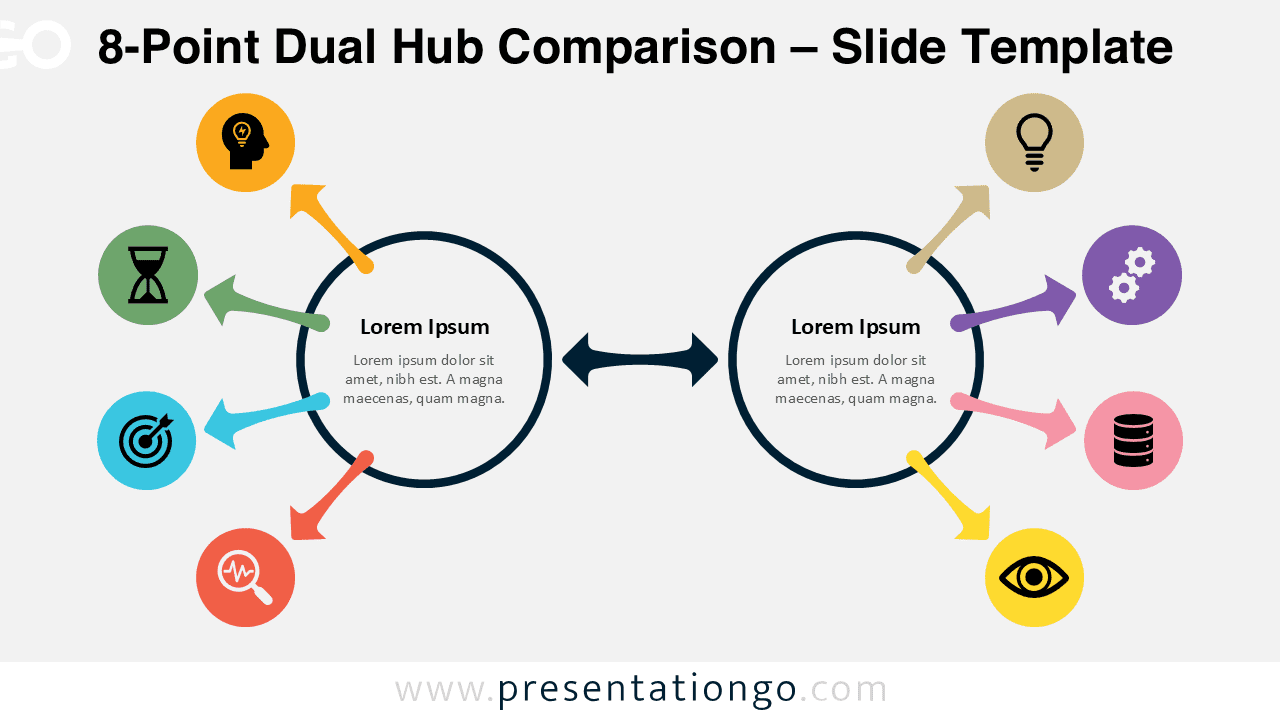
8-point dual hub comparison diagram for PowerPoint and Google Slides with two connected circles and eight radial elements with icons.

8-Point Dual Hub Comparison

A structured 8-point dual hub comparison diagram for PowerPoint and Google Slides.
Google SlidesPPTX

16:9

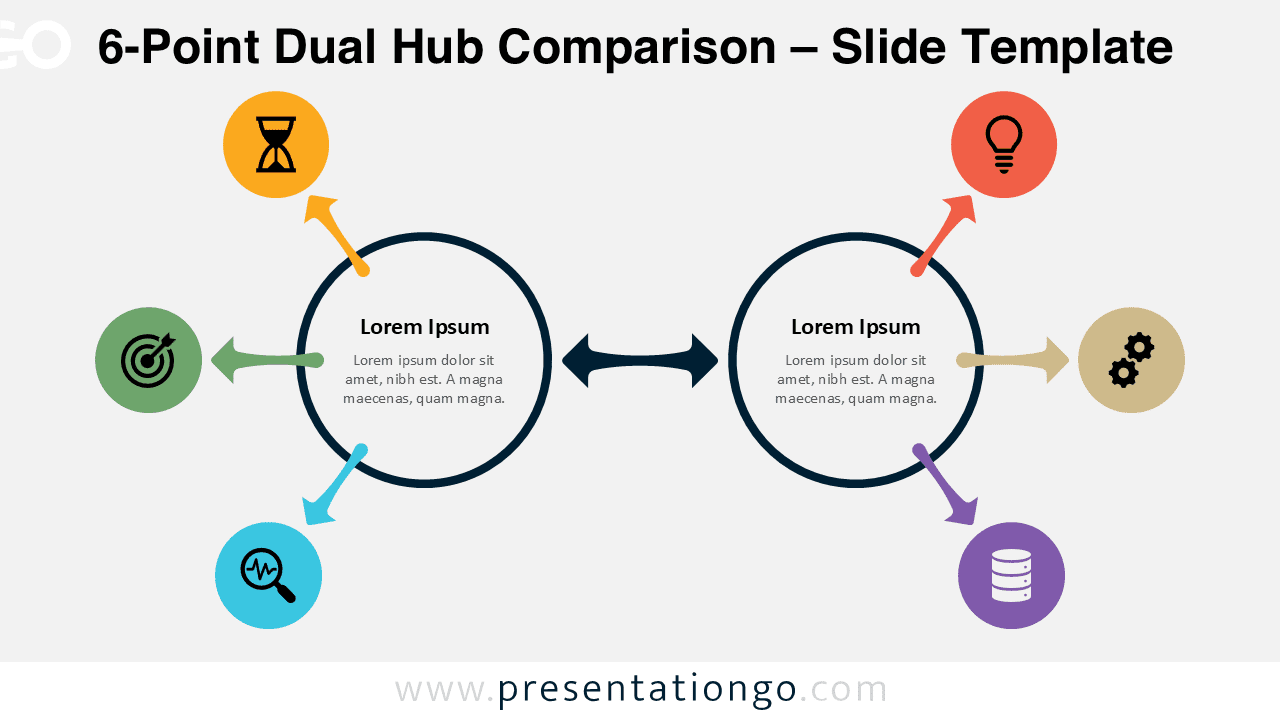
6-point dual hub comparison diagram for PowerPoint and Google Slides showing two connected circles with six radial elements and icons.

6-Point Dual Hub Comparison

Present dual processes clearly with this 6-point radial comparison diagram.

Google SlidesPPTX

16:9

Golden Edge presentation template for PowerPoint and Google Slides showcasing all slides with elegant gold accents and professional layouts6 slides

Golden Edge Template

Elegant dark presentation template with gold accents for professional high-end PowerPoint and Google Slides decks.

Google SlidesPOTX

16:9

Tropical Serenity presentation template for PowerPoint and Google Slides featuring all slides overview with elegant palm leaf design and layouts6 slides

Tropical Serenity Template

A calm and elegant tropical presentation template with palm leaf textures and warm earthy tones.
Google SlidesPOTX

16:9

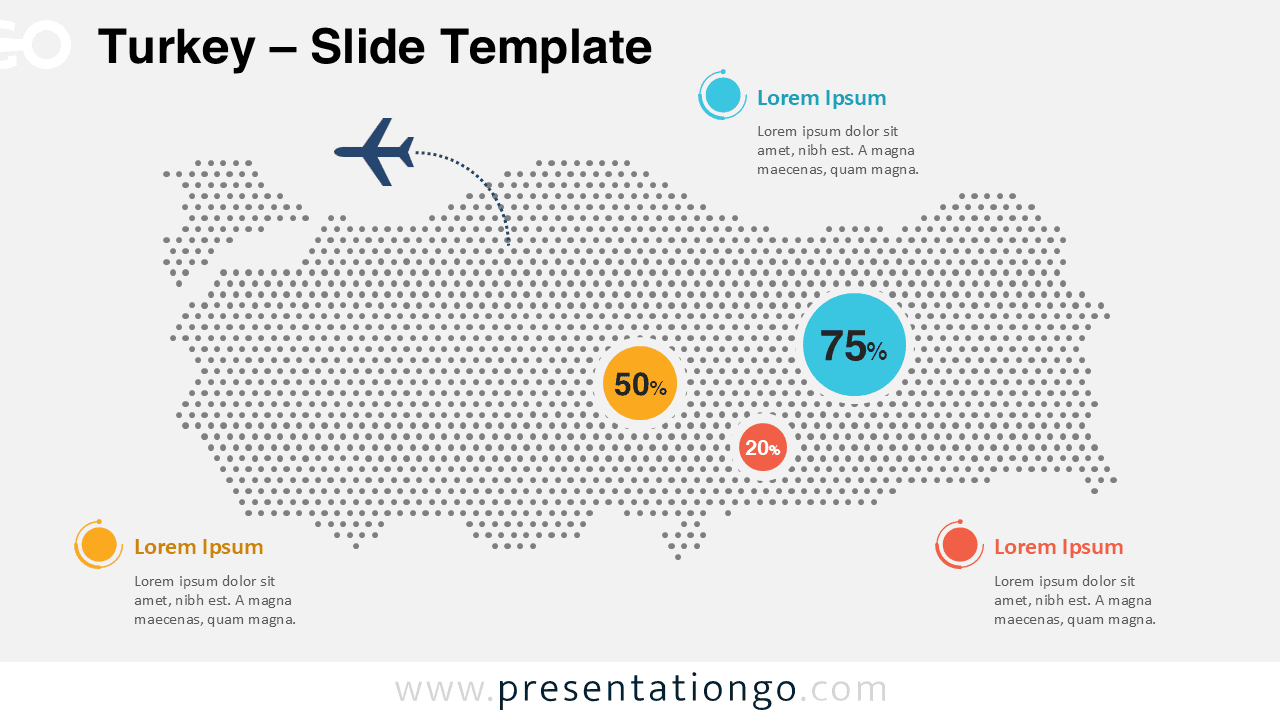
Turkey dotted map infographic for PowerPoint and Google Slides showing a modern dot-based country map with percentage markers and editable presentation elements.

Turkey Dotted Map Infographic

Visualize geographic insights with this Turkey Dotted Map Infographic for PowerPoint and Google Slides featuring editable elements and a modern dotted design.

Google SlidesPPTX

16:9

Nigeria dotted map infographic for PowerPoint and Google Slides showing a modern dot-based country map with percentage markers and editable presentation elements.

Nigeria Dotted Map Infographic

A modern Nigeria dotted map design for PowerPoint and Google Slides, perfect for presenting regional insights and location-based information.

Google SlidesPPTX

16:9

Thailand dotted map infographic for PowerPoint and Google Slides with percentage data markers, travel route illustration, and editable geographic presentation layout.

Thailand Dotted Map Infographic

Editable Thailand dotted map infographic for PowerPoint and Google Slides. Ideal for tourism, market analysis, geographic data, and regional insights.
Google SlidesPPTX

16:9

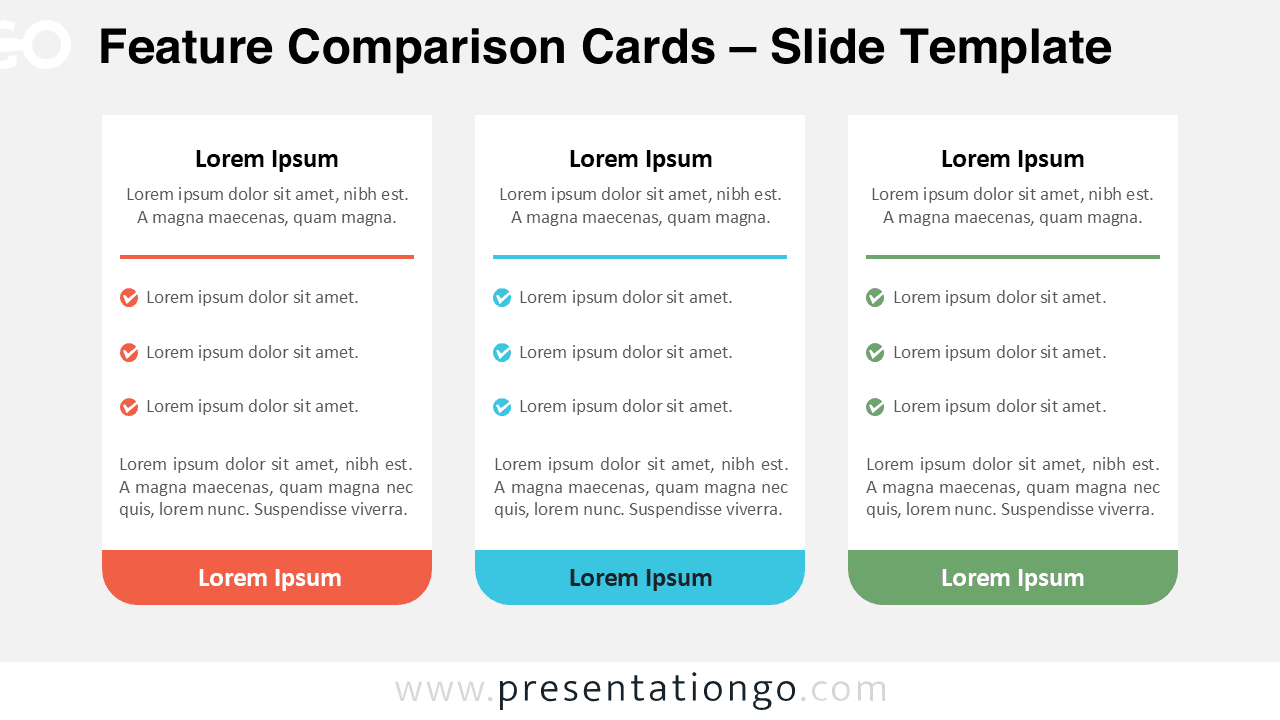
Feature comparison cards diagram for PowerPoint and Google Slides showing three column layout with checklist icons and structured content blocks.

Feature Comparison Cards

Compare features, pricing plans, or services using clean card layouts for PowerPoint and Google Slides presentations.

Google SlidesPPTX

16:9

Six-part radial core diagram for PowerPoint and Google Slides showing a circular layout with six segments and editable icons.

Six-Part Radial Core Diagram

A six-part radial diagram, ideal for complex frameworks and multi-step processes in PowerPoint and Google Slides.

Google SlidesPPTX

16:9

Four-part radial core diagram for PowerPoint and Google Slides showing a circular layout with four segments and editable icons.

Four-Part Radial Core Diagram

Present four key ideas in PowerPoint and Google Slides with this modern radial core diagram design.
Google SlidesPPTX

16:9

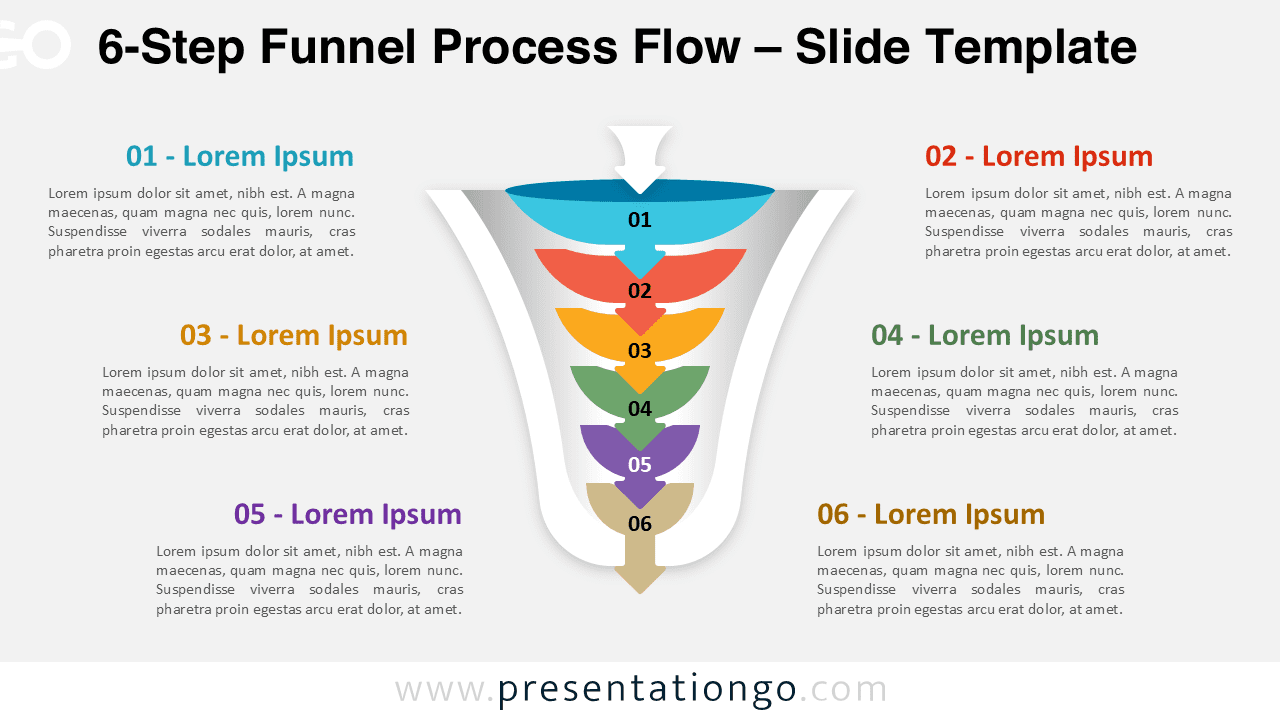
6-step funnel process flow diagram for PowerPoint and Google Slides showing complex workflow stages in a structured funnel design

6-Step Funnel Process Flow

Present complex sales funnels or end-to-end customer journeys with this 6-step funnel process flow diagram for PowerPoint.
Google SlidesPPTX

16:9

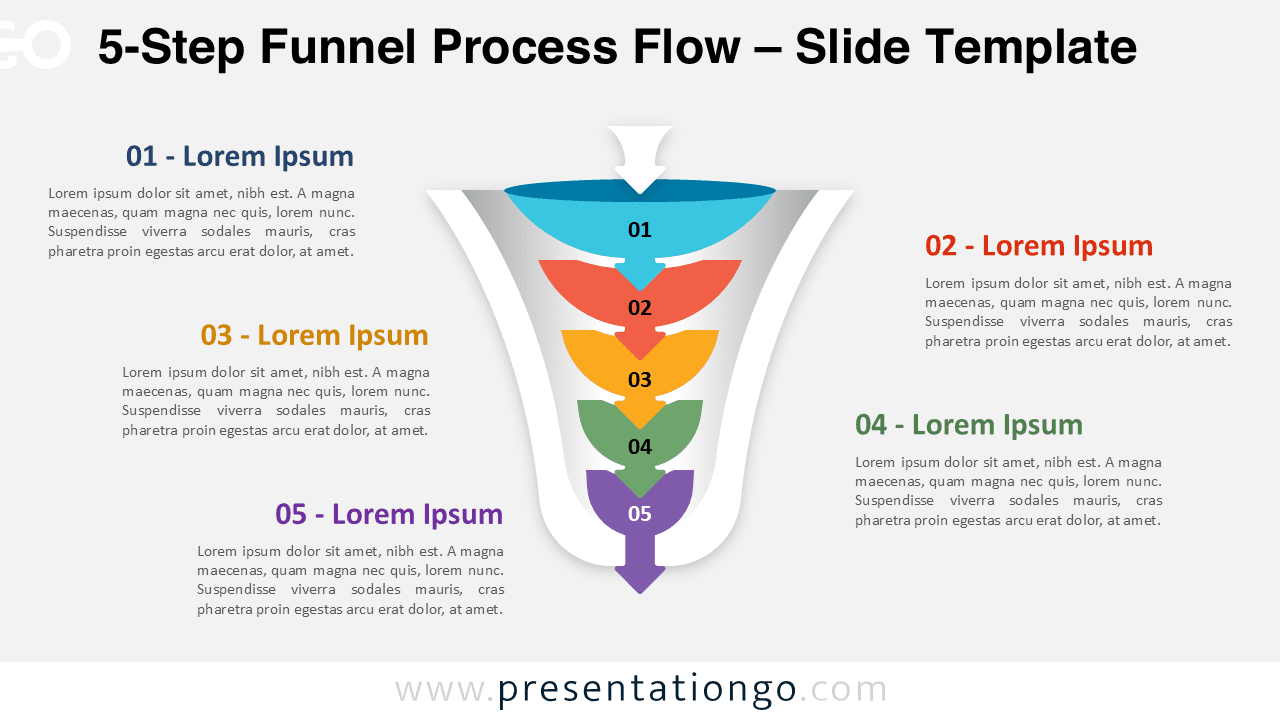
5-step funnel process flow diagram for PowerPoint and Google Slides illustrating detailed workflow stages in a vertical funnel layout

5-Step Funnel Process Flow

Break down detailed marketing funnels or customer journeys with this 5-step funnel process flow diagram for PowerPoint.
Google SlidesPPTX

16:9

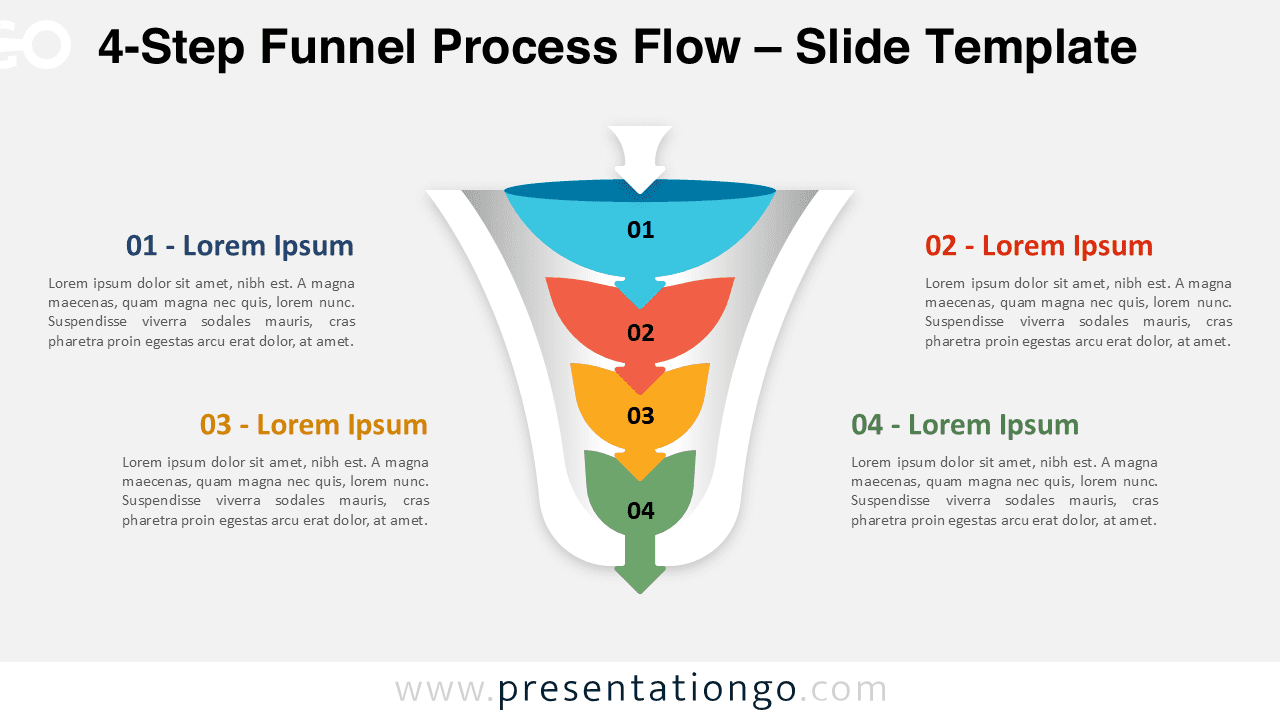
4-step funnel process flow diagram for PowerPoint and Google Slides with four stages illustrating structured workflow and conversion steps

4-Step Funnel Process Flow

Visualize structured workflows like sales pipelines or project phases with this 4-step funnel process flow diagram for PowerPoint.

Google SlidesPPTX

16:9

Showing 1–24 of 3,630 templates