Free template library
Latest Presentation Templates & Infographics
Explore the newest free PowerPoint templates and Google Slides themes on PresentationGO — including diagrams, charts, and infographics. New designs added daily, with instant downloads and no sign-up required.
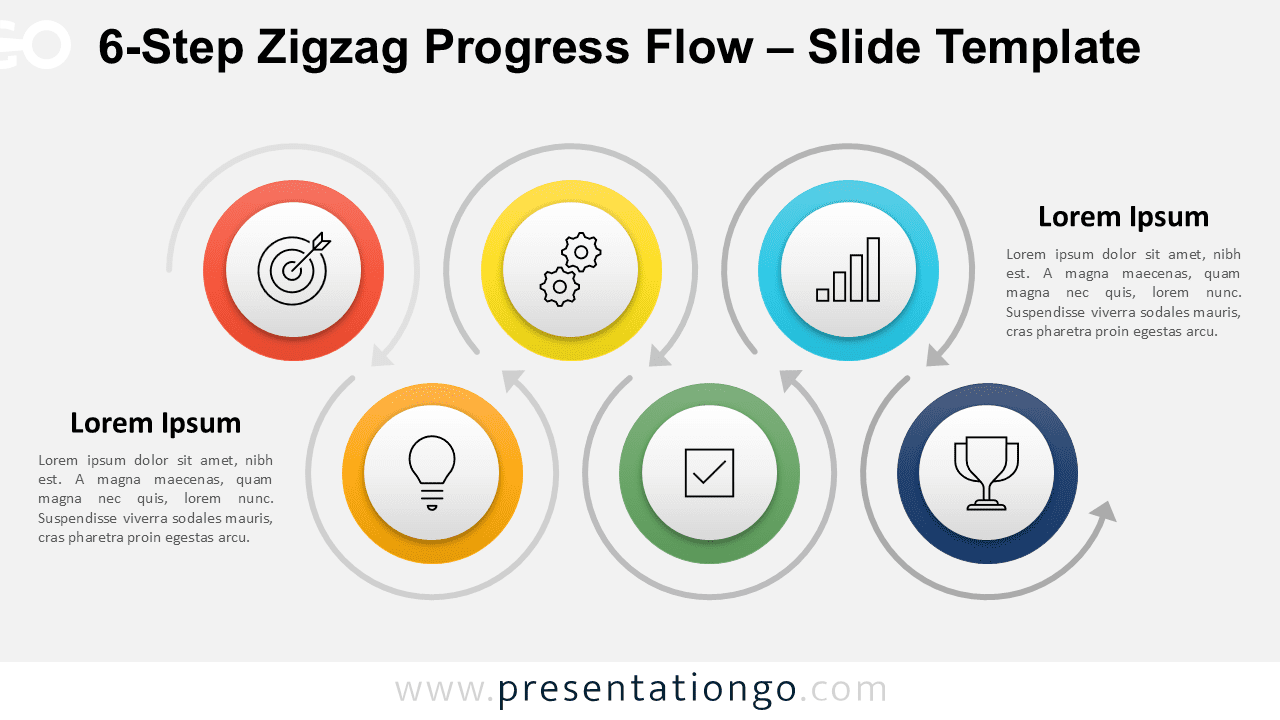
6-Step Zigzag Progress Flow
Showcase stages of progress with this vibrant six-part zigzag diagram featuring clear navigation and customization.

5-Step Alternating Flow
A zigzag visual sequence with 5 steps, ideal for workflows and roadmaps where each phase deserves individual attention and clarity.

4-Circle Venn Diagram
The 4-Circle Venn Diagram for PowerPoint and Google Slides shows relationships between four elements with clear intersection visuals.

3-Circle Venn Diagram
Visualize overlapping ideas or roles using this editable 3-circle Venn diagram—ideal for presentations needing conceptual clarity.

2-Circle Venn Diagram
Visually compare and connect two ideas using this clean, balanced 2-part Venn diagram designed for presentations.

6-Part Hub-and-Spoke Diagram
A customizable radial diagram ideal for showing six interrelated elements linked to a central concept.

Five-Point Radial Star Diagram
Highlight five interconnected ideas around a symbolic empty star to represent a unified theme or central concept with full customization.
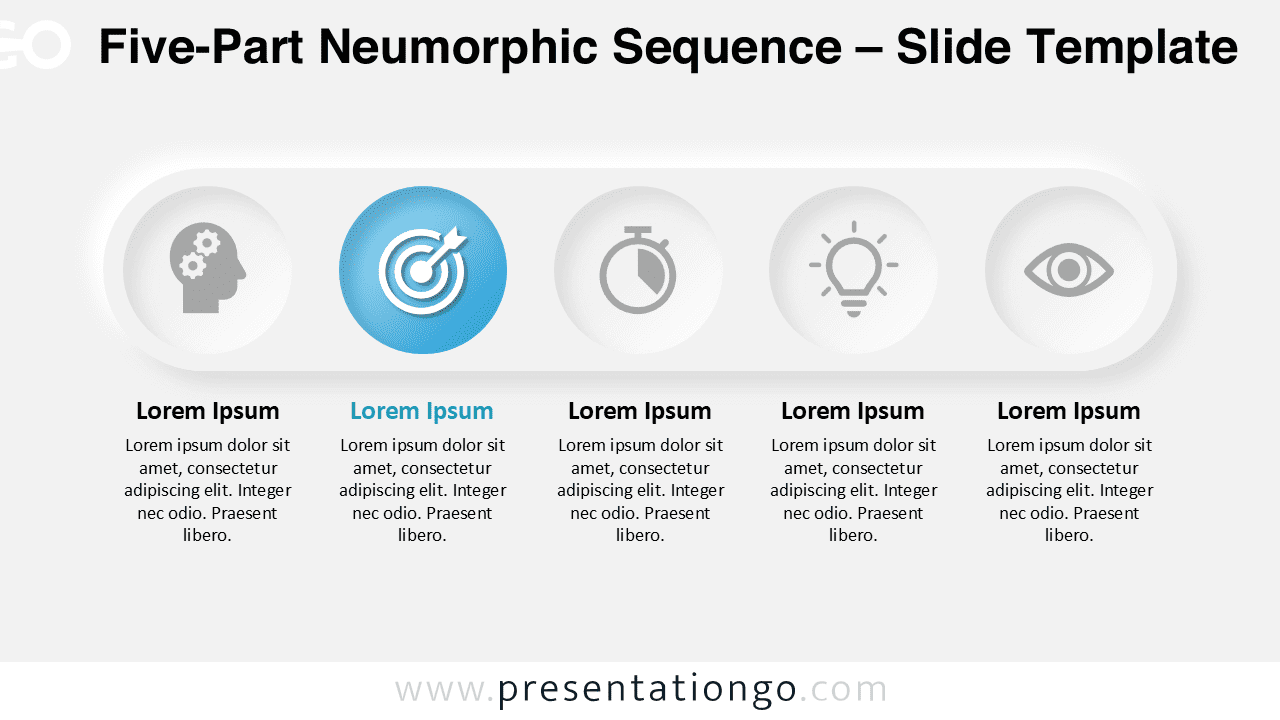
Five-Part Neumorphic Sequence
Visually present five clear stages or elements using a modern neumorphic layout that emphasizes one highlighted segment.
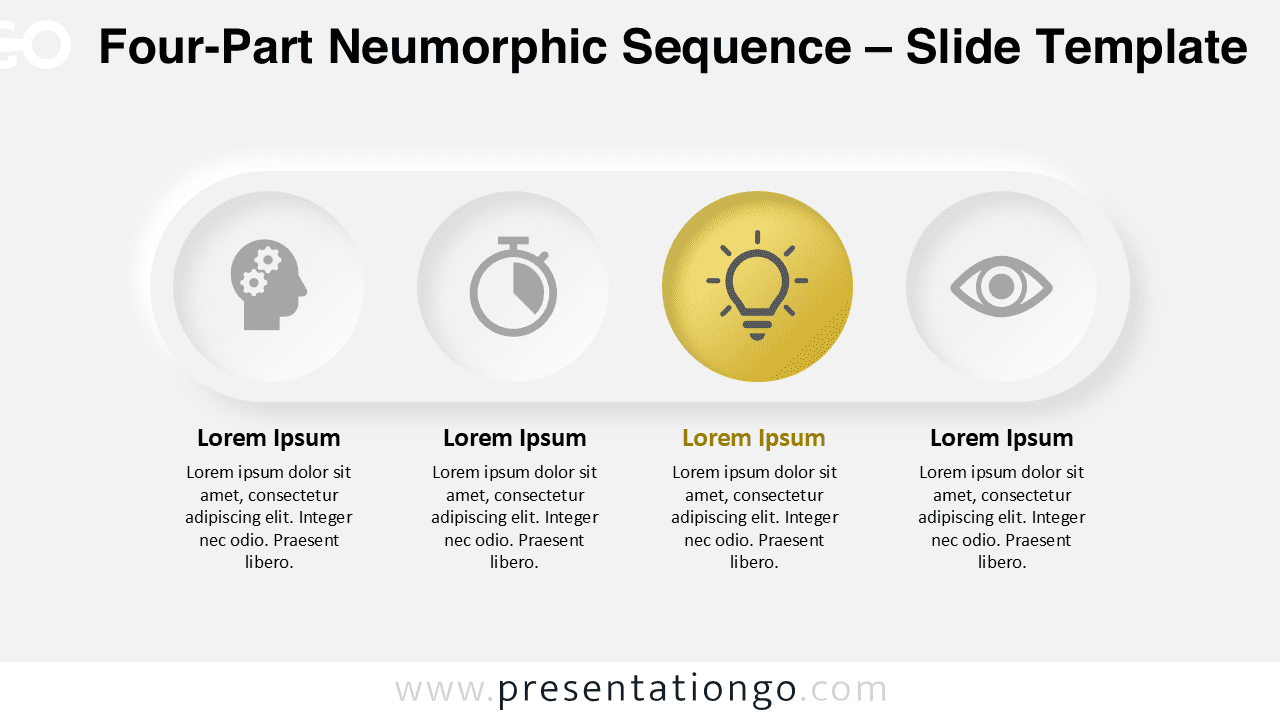
Four-Part Neumorphic Sequence
Present four sequential concepts in a neumorphic design with editable circles, icons, and a highlighted option to emphasize key ideas.

5-Step Rising Arch Flow
Use this 5-step rising diagram to map strategic goals, customer journeys, or project phases with clarity and upward motion.

4-Step Rising Arch Flow
A creative diagram to showcase four rising steps in a progressive flow, ideal for planning, journeys, and step-by-step strategies.

6-Step Boomerang Diagram
Use this boomerang diagram to visualize six connected steps in a cycle, ideal for repeatable processes or workflows.

5-Step Boomerang Diagram
This diagram visualizes circular systems with five arrow-shaped steps and icons, perfect for recurring or iterative workflows.

Traffic Light Diagram
A free traffic light graphic for showcasing stop, caution, and go phases in processes or decisions with editable slides.

Triple Signal Comparison
Present three steps or priorities using this traffic light-themed layout designed to visualize status or decisions at a glance.

Urban Showcase Template
Stand out with this urban-style PowerPoint and Google Slides template featuring dramatic backgrounds and smartphone mockups visuals.
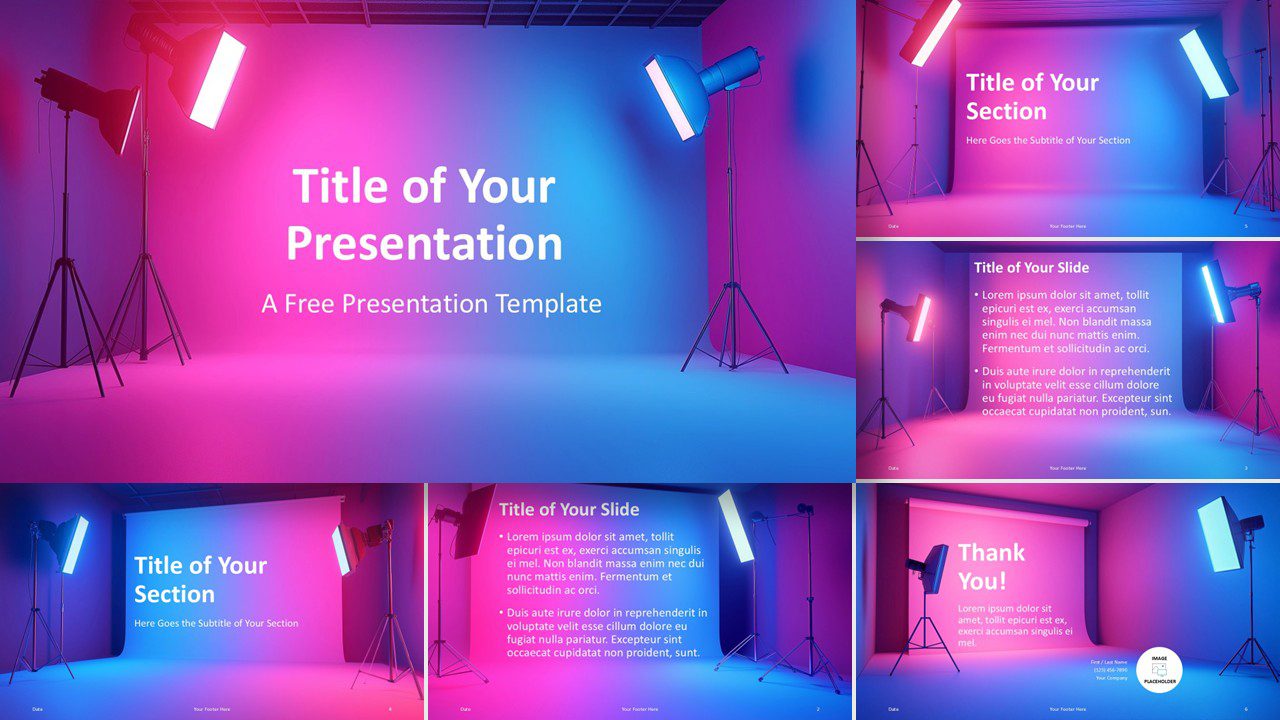
Studio Spotlights Template
A free, bold presentation template with vivid studio lighting – perfect for designers and content creators.
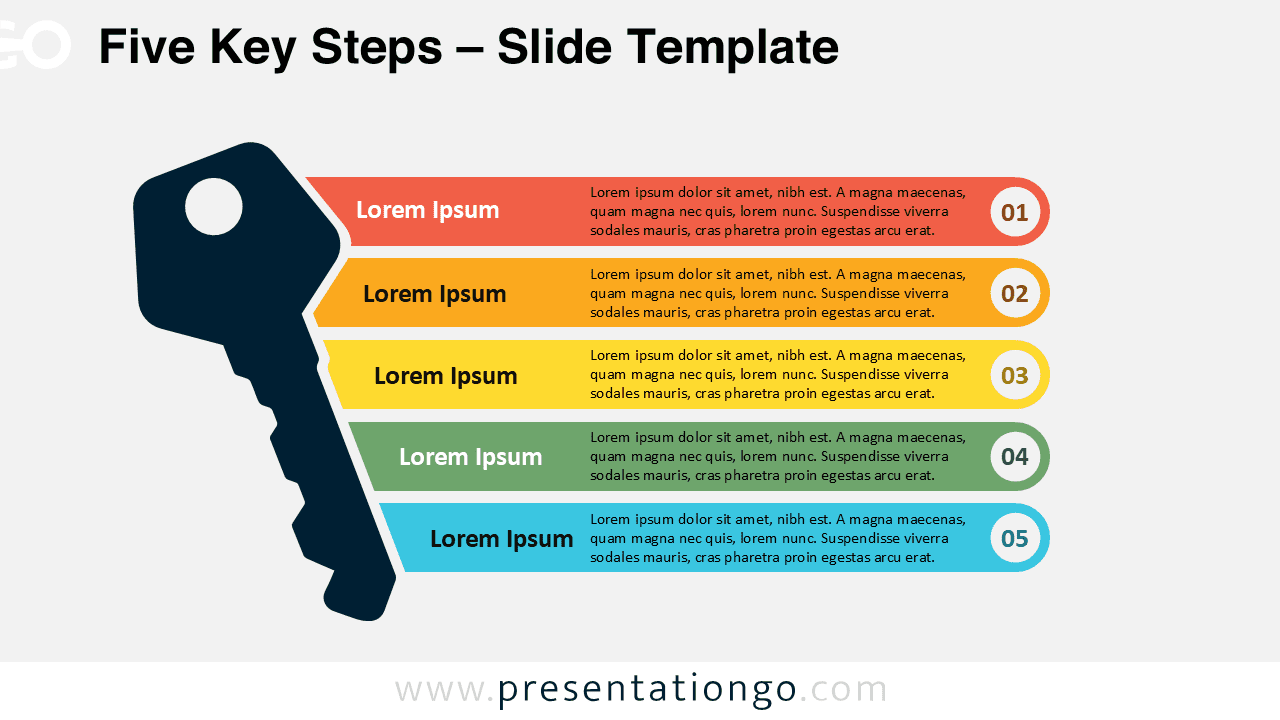
Five Key Steps
Present your five essential ideas using a vertical infographic with key-themed symbolism, perfect for outlining steps or core components.
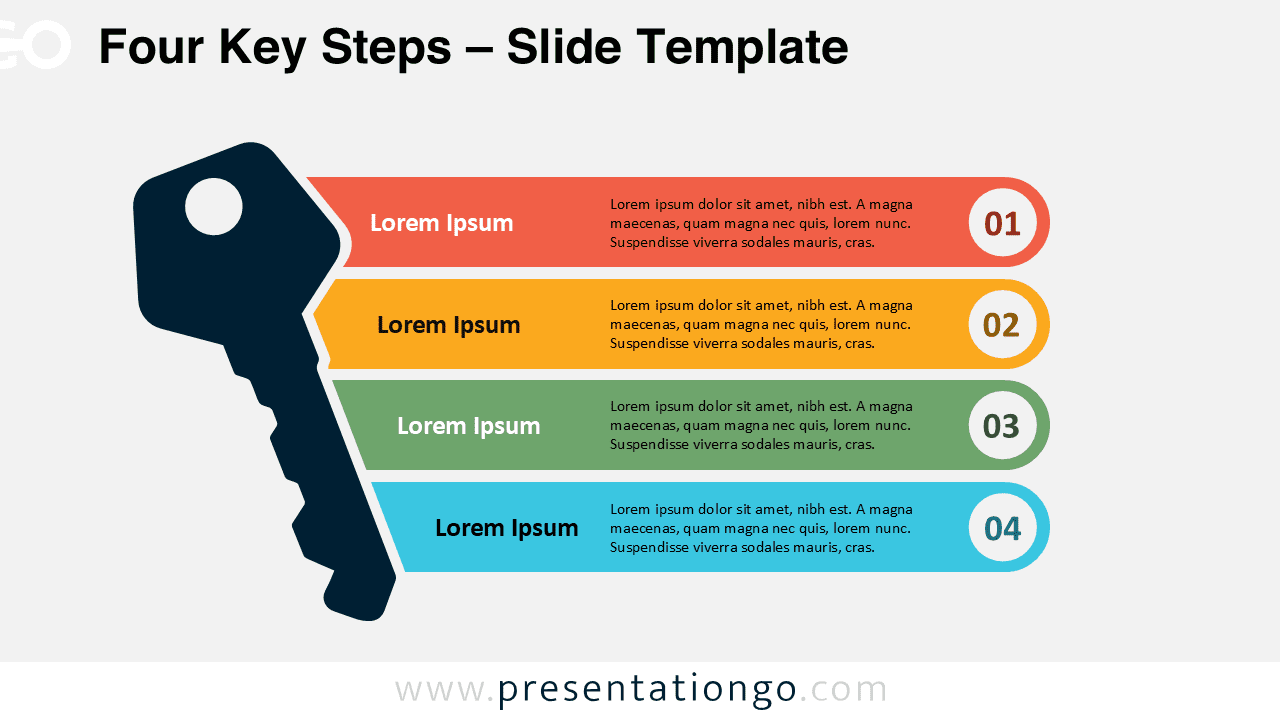
Four Key Steps
Use this visual layout to outline four essential steps or concepts with a key-shaped metaphor and numbered sequence.

HexaFlow Cycle Diagram
Download this free HexaFlow Cycle Diagram for PowerPoint and Google Slides, ideal for presenting a 6-step process or lifecycle.

Drop Block Cards
This visual card set is ideal for segmenting content into four categories for easy comparison in presentations.
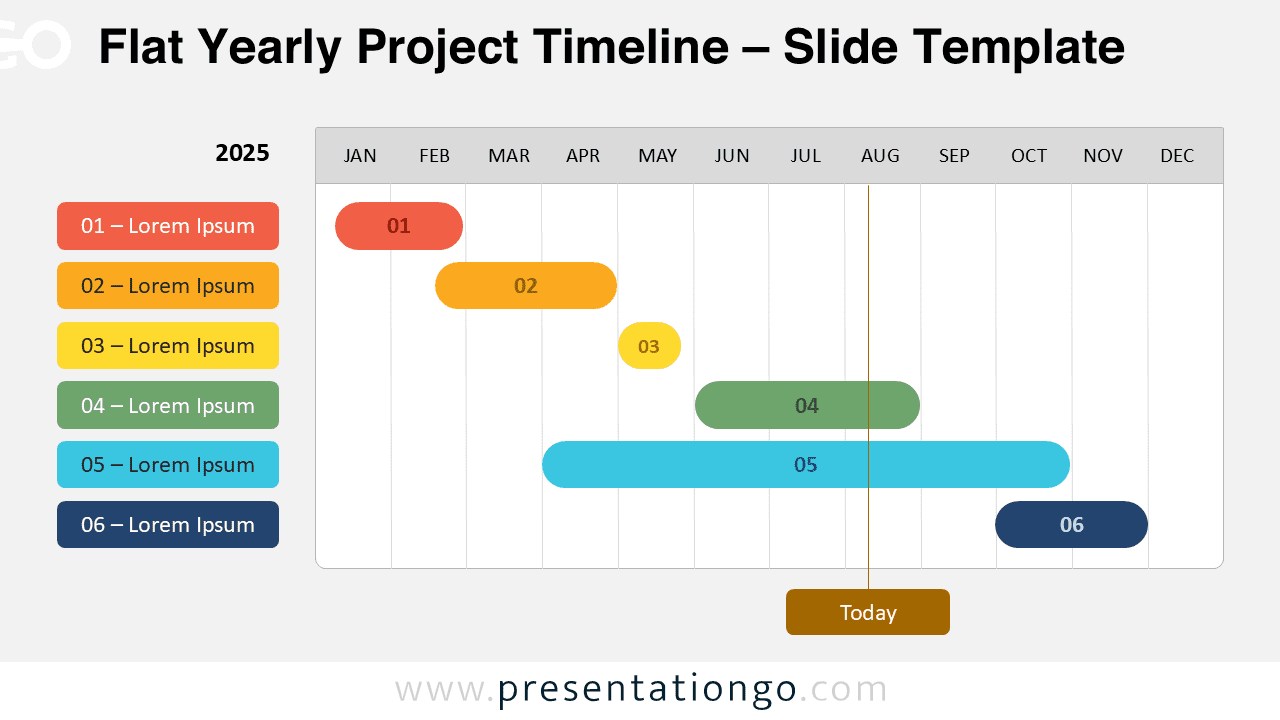
Flat Yearly Project Timeline
Flat-style yearly Gantt diagram ideal for planning, assigning, and tracking project stages across a calendar year.
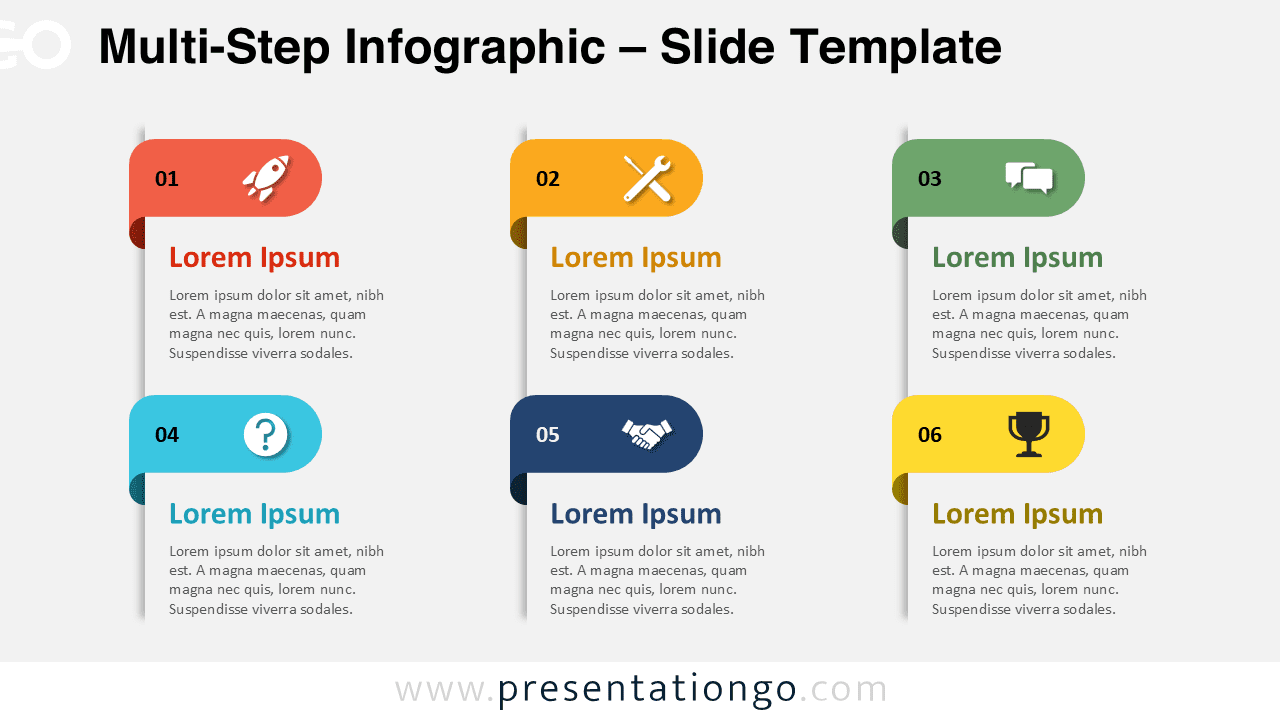
Multi-Step Infographic
Showcase your processes with a versatile infographic featuring 4 and 6-step layouts in vertical and horizontal formats.

Baroque Swirls Template
Give your presentation a sophisticated upgrade with the Baroque Swirls Template—ideal for formal events, luxury branding, and high-end visuals.
Showing 1–24 of 3,636 templates