Free template library
Latest Presentation Templates & Infographics
Explore the newest free PowerPoint templates and Google Slides themes on PresentationGO — including diagrams, charts, and infographics. New designs added daily, with instant downloads and no sign-up required.

Linear Four Stage Cards
Present four sequential stages with editable cards designed for clear business processes, workflows, project phases, and strategic presentations.

Milestone Road Journey
Present milestones along a winding road with this editable Milestone Road Journey diagram for PowerPoint and Google Slides.

Pentagon Flag Process
Present three steps, stages, or ideas with the editable Pentagon Flag Process diagram for PowerPoint and Google Slides.
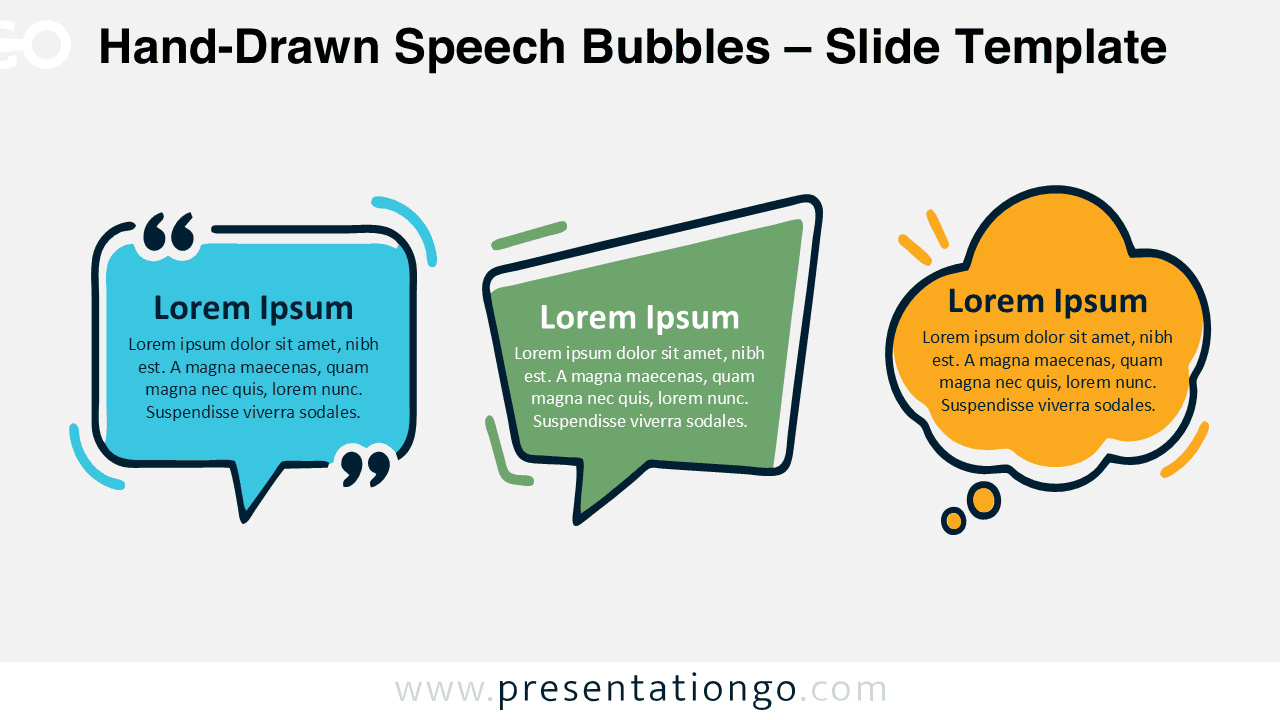
Hand-Drawn Speech Bubbles
Hand-Drawn Speech Bubbles provide three editable shapes for presenting quotes, thoughts, conversations, feedback, and key messages in PowerPoint and Google Slides.

Golden Light Prestige Template
Create sophisticated business presentations with six professionally designed layouts, luminous gold accents, and a coordinated custom color palette.
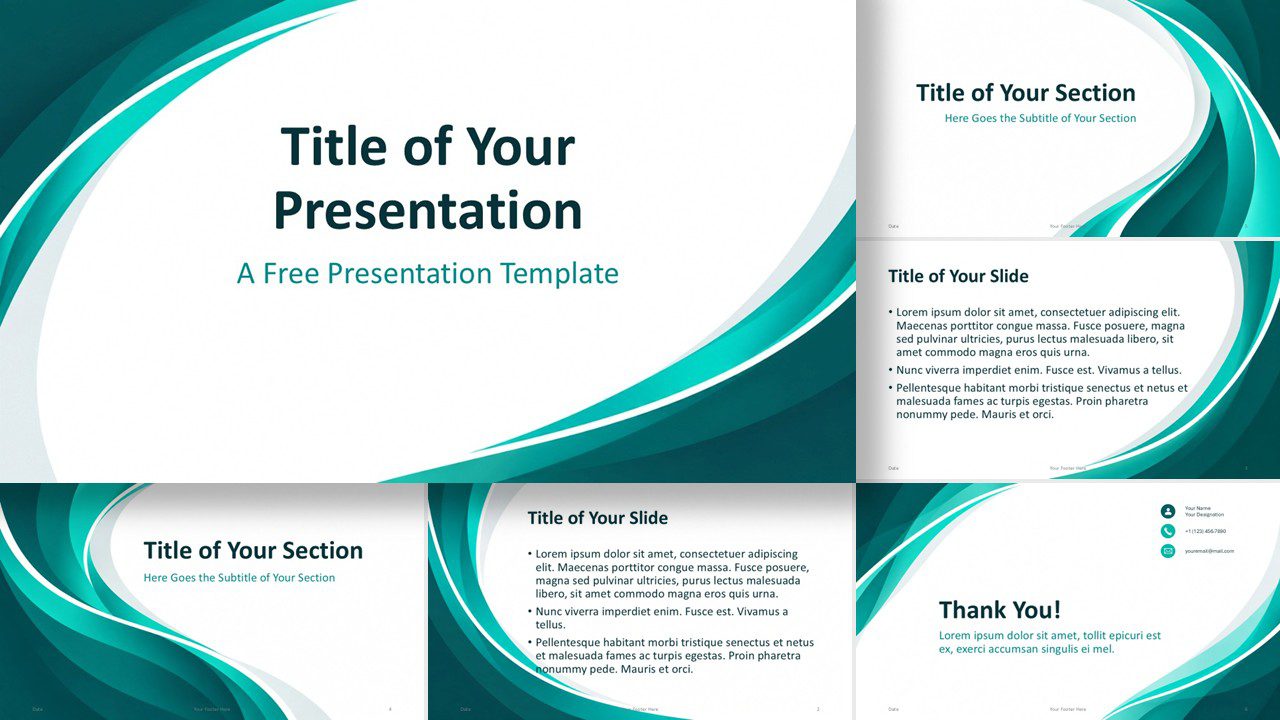
Abstract Teal Flow Template
A modern teal presentation template with flowing abstract curves, editable layouts, and a custom palette for PowerPoint and Google Slides.
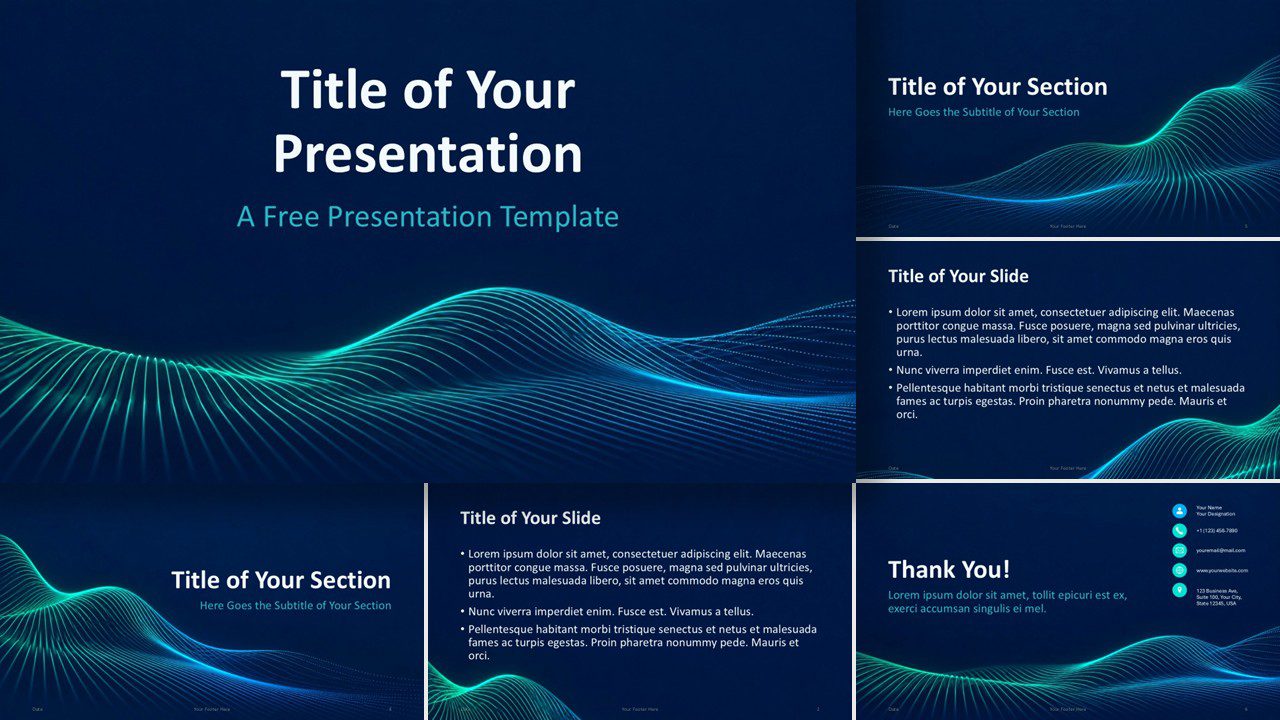
Neon Data Waves Template
A futuristic presentation template with glowing data waves, six layouts, and coordinated colors for PowerPoint and Google Slides.
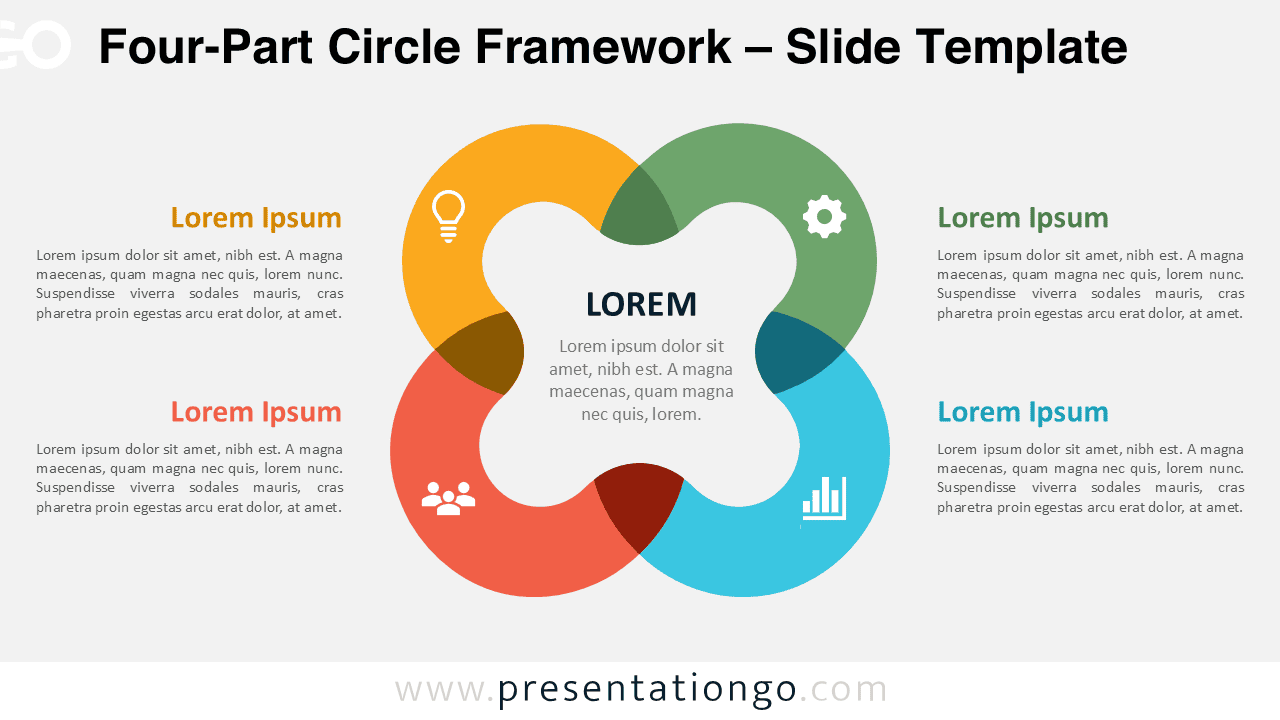
Four-Part Circle Framework
Present four connected ideas around one central concept with this editable Four-Part Circle Framework for PowerPoint and Google Slides.
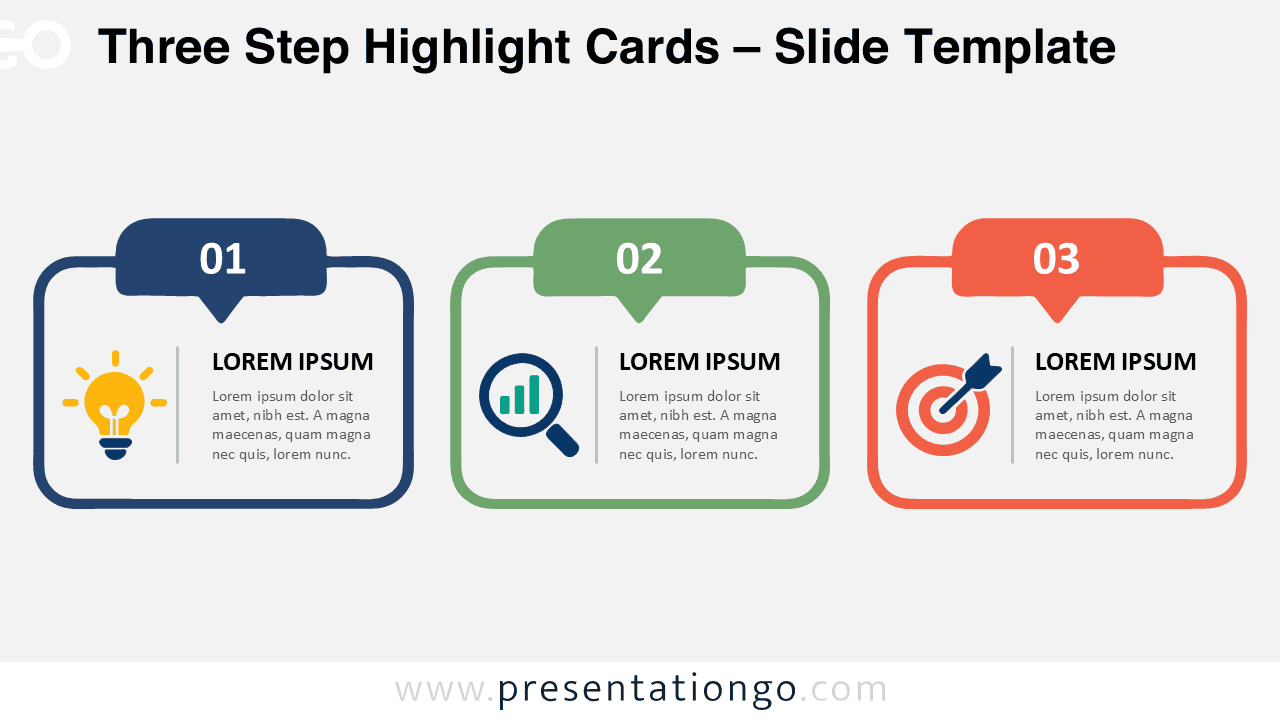
Three Step Highlight Cards
Present three connected ideas with editable numbered cards, text areas, and icon placeholders for PowerPoint and Google Slides.
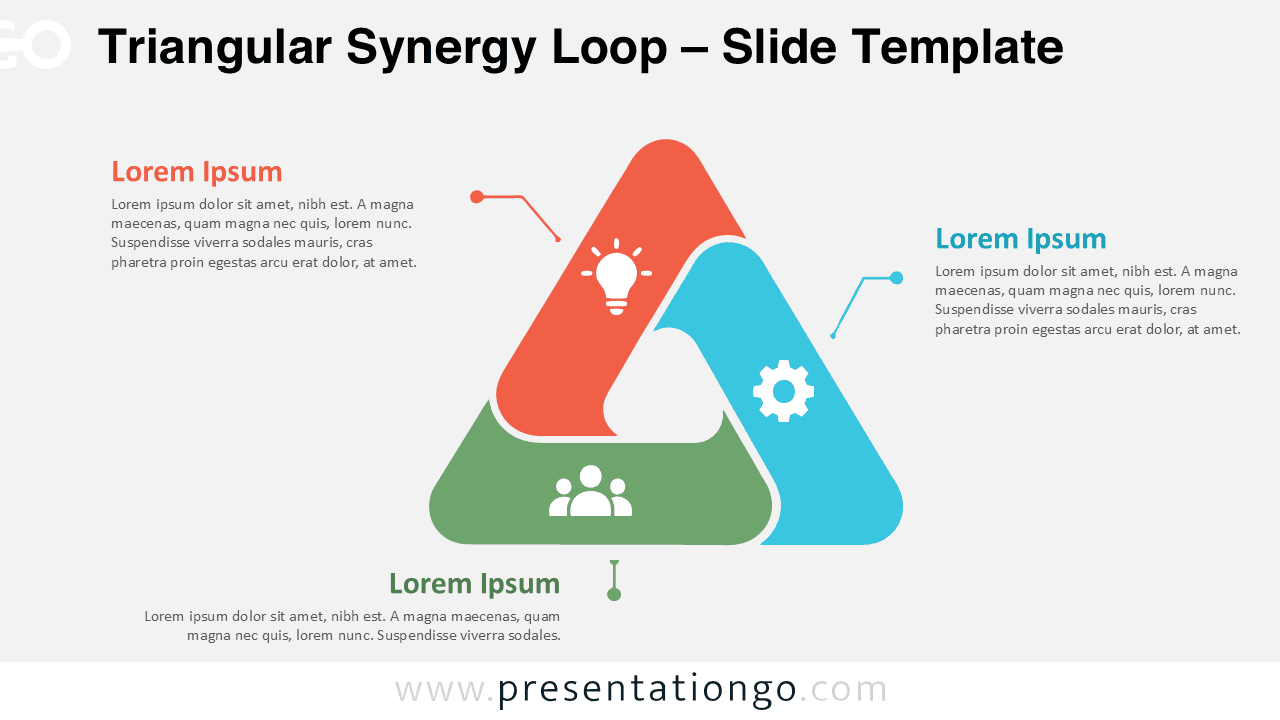
Triangular Synergy Loop
A three-part interlocking loop diagram for PowerPoint and Google Slides, designed to present connected ideas, processes, teams, or strategic priorities.
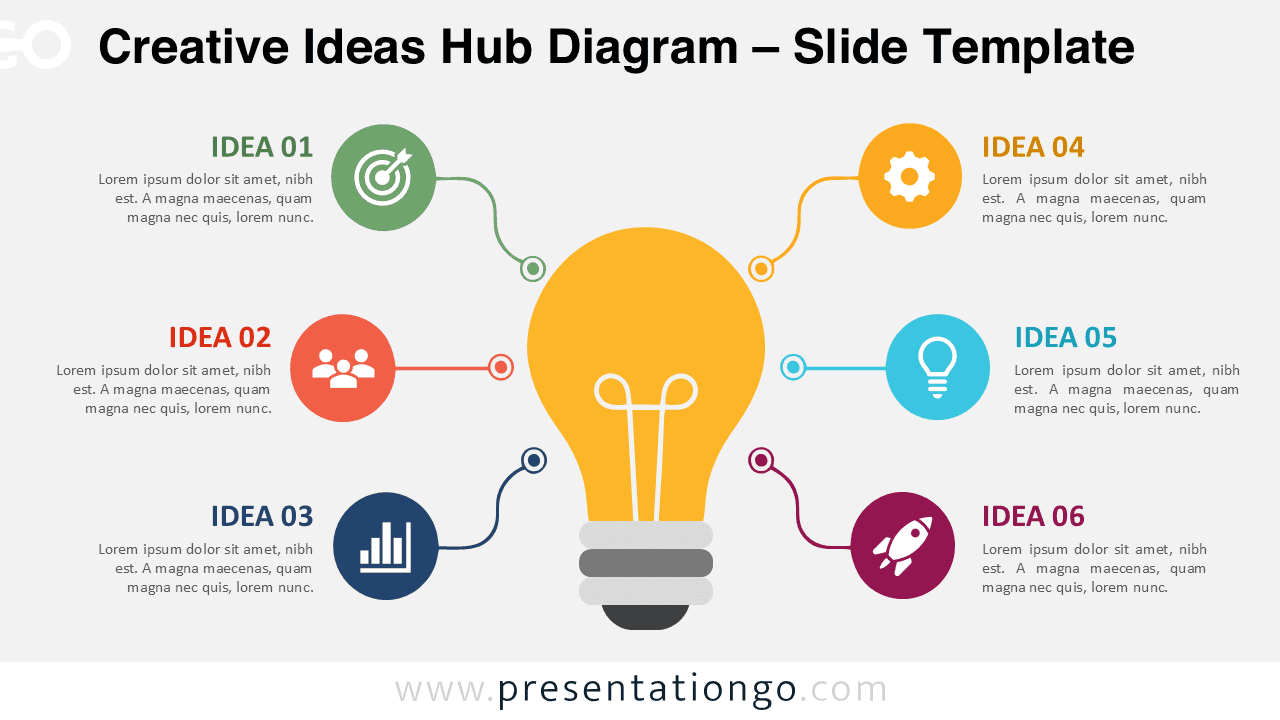
Creative Ideas Hub Diagram
Organize six connected ideas around a central concept with this editable Creative Ideas Hub Diagram for PowerPoint and Google Slides.
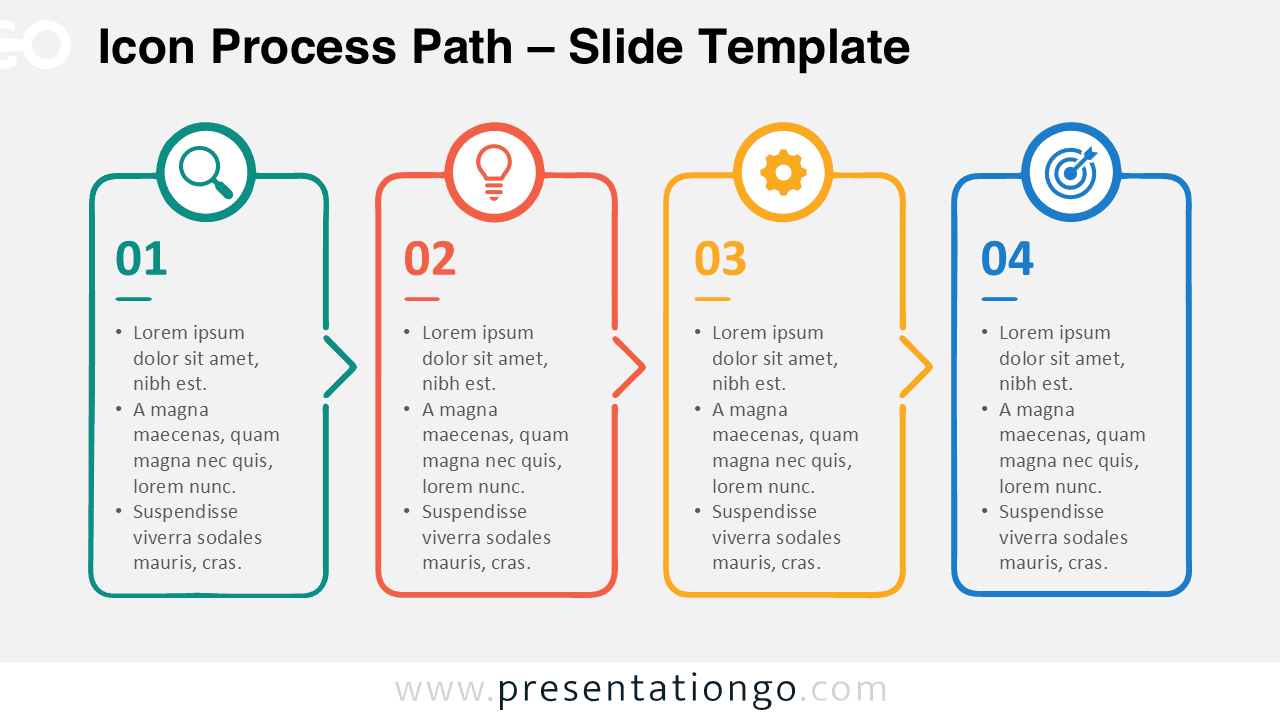
Icon Process Path
Present four connected stages with an editable Icon Process Path diagram designed for clear workflows, project phases, and business processes.
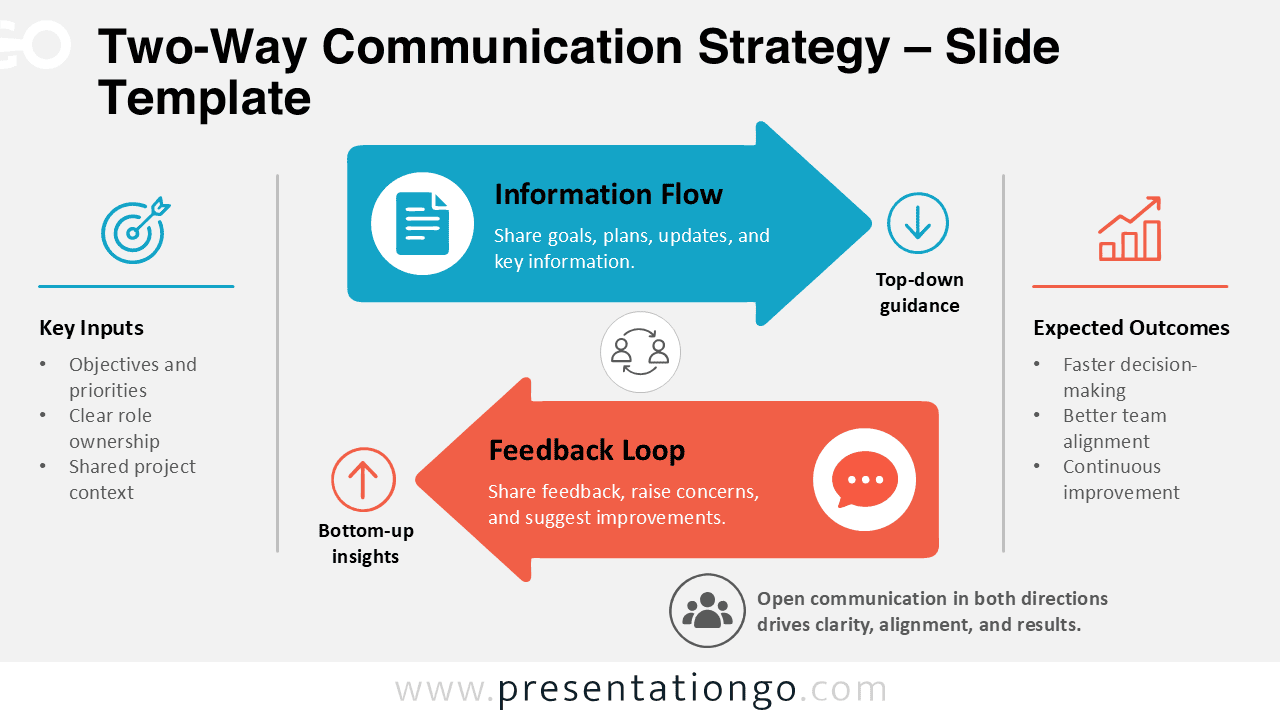
Two-Way Communication Strategy
The Two-Way Communication Strategy diagram helps explain how information and feedback move through an organization. It combines top-down guidance with bottom-up insights in one easy-to-follow …

Icon Milestone Timeline
Show company history, yearly achievements, or project progress with a structured six-year timeline featuring editable milestones and icon placeholders.

SWOT Cards Analysis
SWOT Cards Analysis organizes strengths, weaknesses, opportunities, and threats into four editable cards for clear strategic presentations.
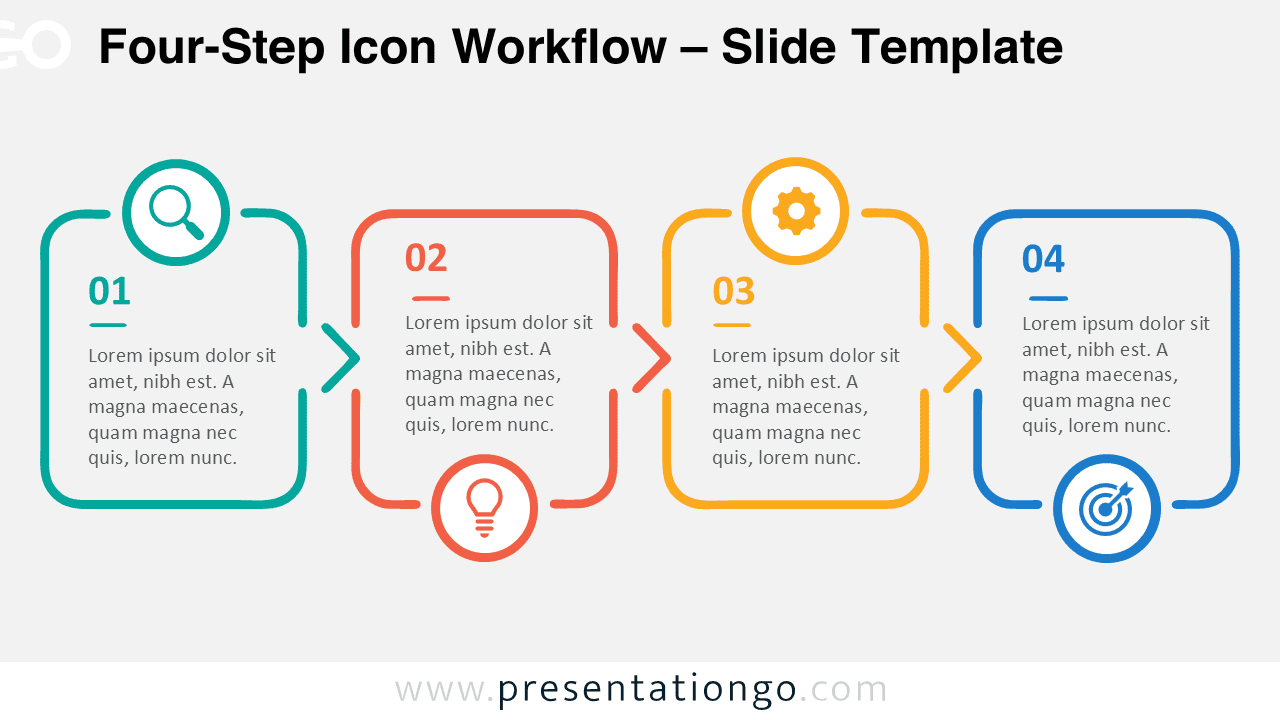
Four-Step Icon Workflow
Present four connected stages with an editable icon workflow designed for clear processes, project phases, strategies, and sequential explanations.

Icon Quote Callout
Present testimonials, expert opinions, or important statements with an editable quote callout featuring a flexible icon placeholder.

Four Feature Icon Cards
Present four features, priorities, or concepts with an editable icon-and-text diagram designed for PowerPoint and Google Slides.
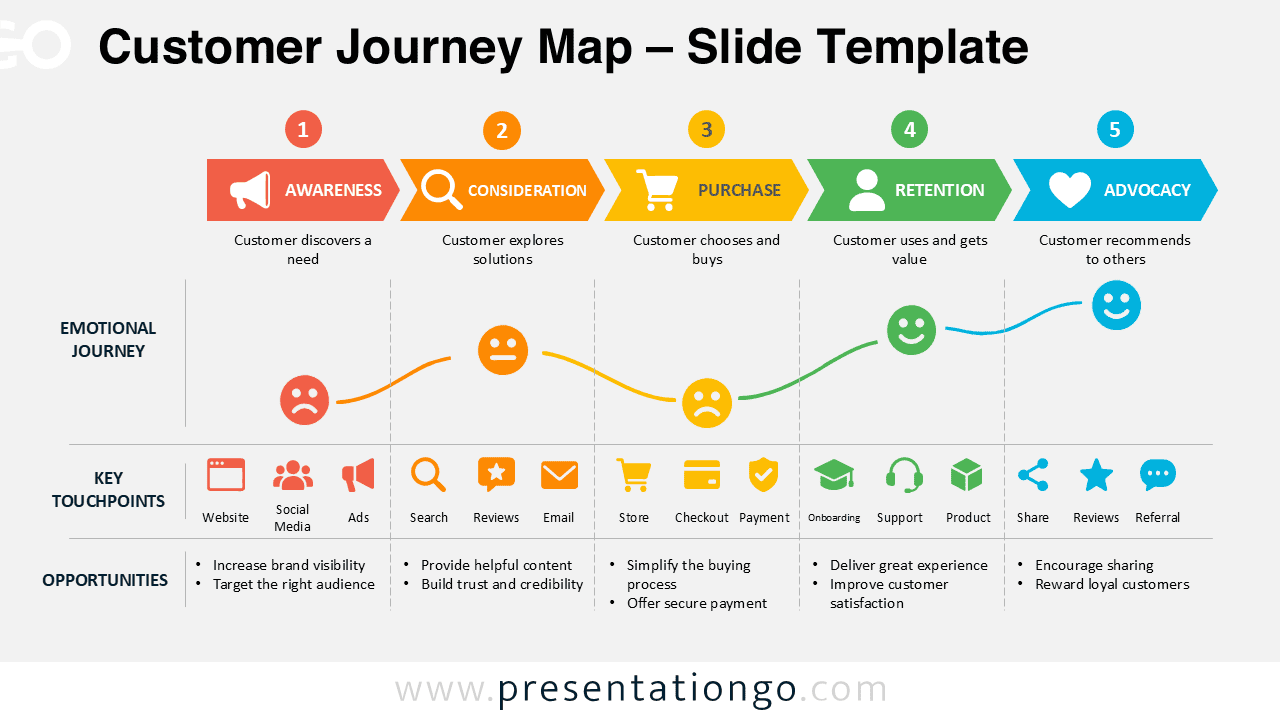
Customer Journey Map
Visualize five customer journey stages, emotions, touchpoints, and opportunities with this editable Customer Journey Map for PowerPoint and Google Slides.
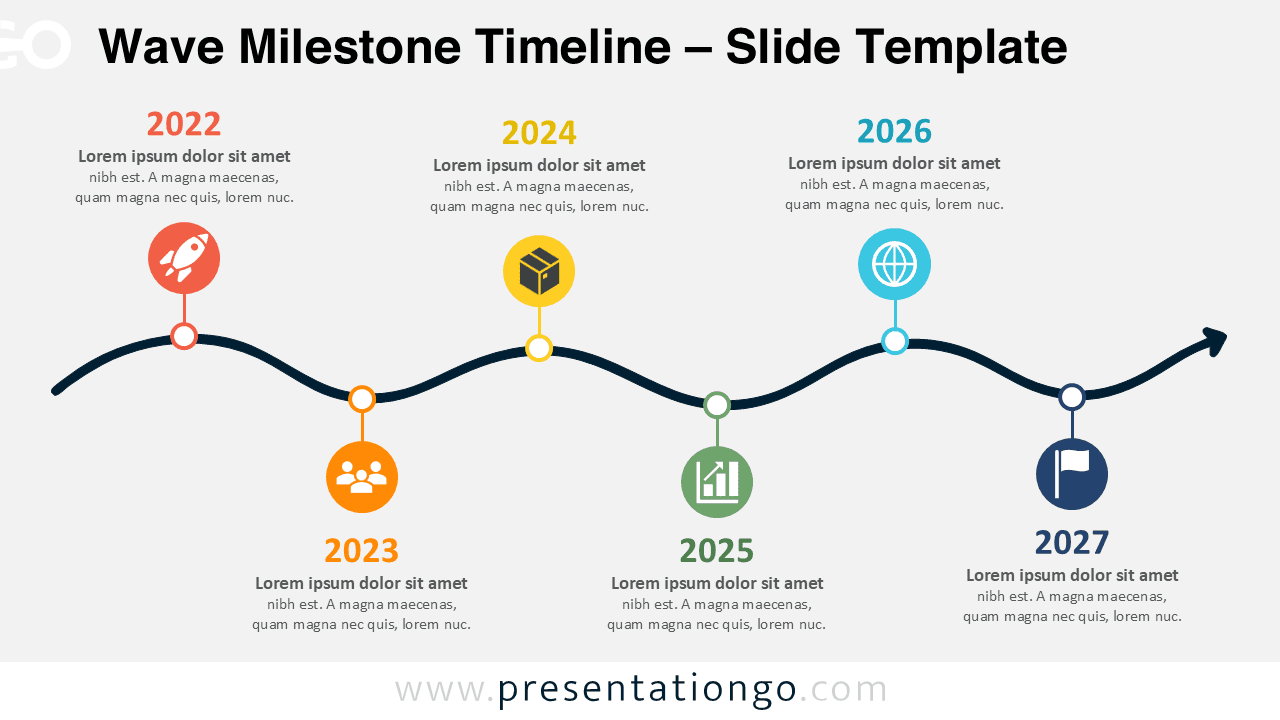
Wave Milestone Timeline
Present six milestones along a flowing timeline with editable dates, text, shapes, and icon placeholders for PowerPoint and Google Slides.

School Day Template
A warm school-themed presentation with six editable layouts, classroom photography, and a custom palette for PowerPoint and Google Slides.

Good Friday Template
A solemn Good Friday PowerPoint template for PowerPoint and Google Slides with six layouts and meaningful Christian imagery.
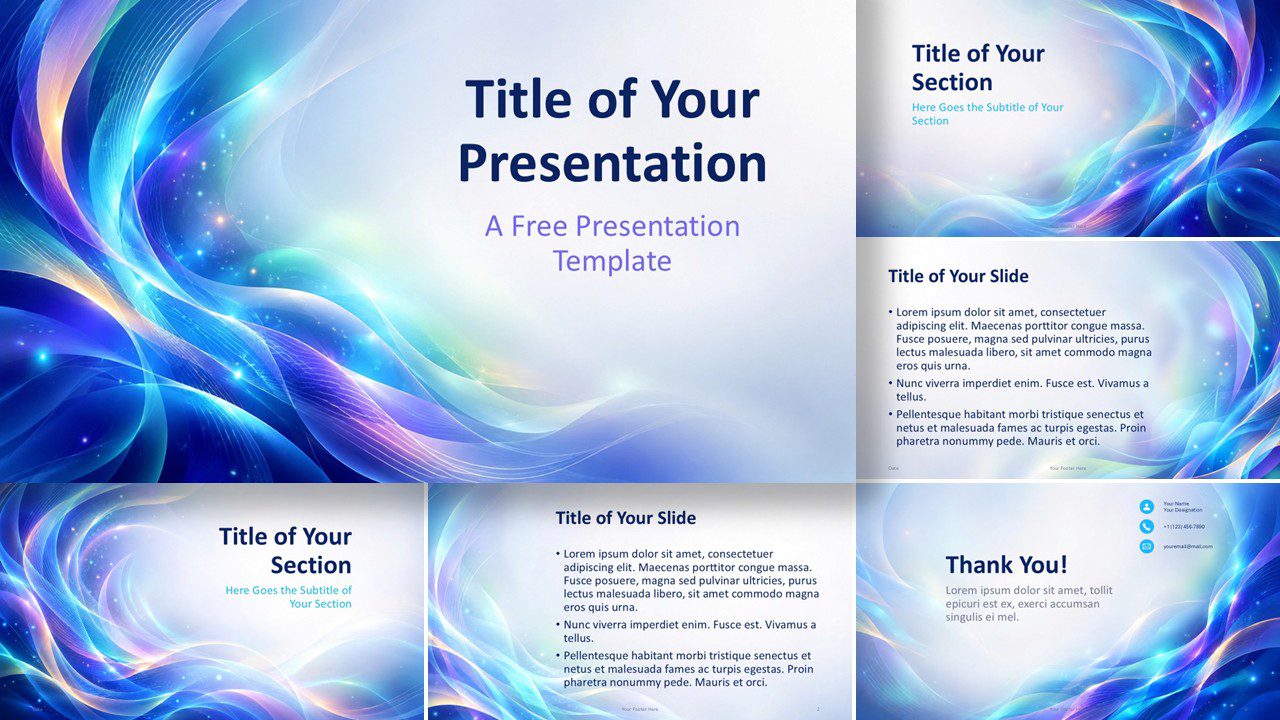
Aurora Waves Template
Aurora Waves is a free PowerPoint and Google Slides template featuring luminous abstract waves, six editable slides, and a coordinated custom color palette.

Dual Thermometer Gauge
Compare two values visually with the editable Dual Thermometer Gauge for PowerPoint and Google Slides.
Showing 1–24 of 3,630 templates